How to Build a Cafe Website: Menus and Reservations in One Go

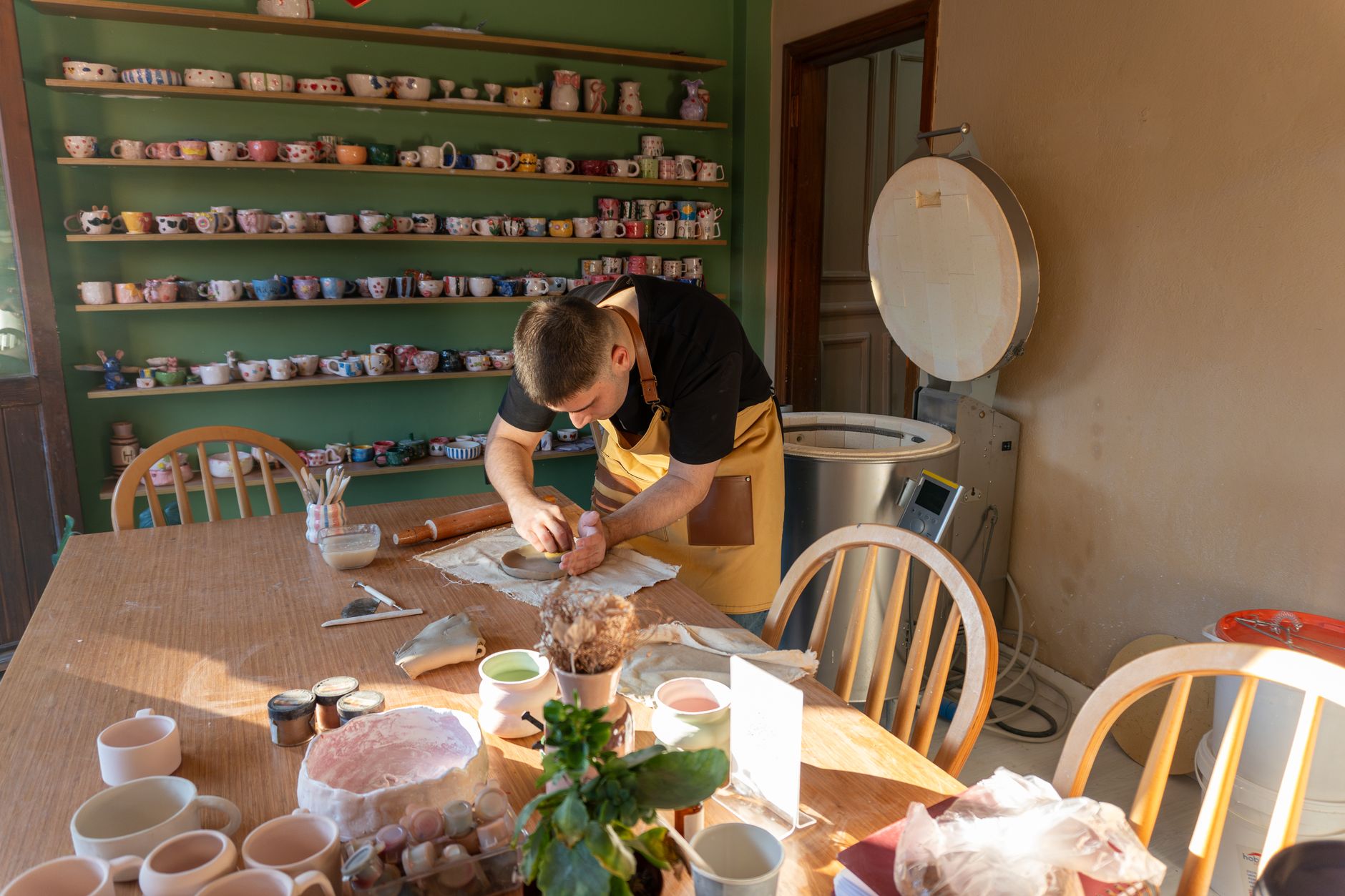
Photo: Sóc Năng Động · Pexels
One of the biggest concerns for owners preparing for a grand opening is how to create a space where customers can check the store location and menu at a glance. Relying solely on Instagram or map apps often falls short when you want to seamlessly showcase your detailed beverage lineup, group reservations, or private event inquiries. However, hiring an outside agency can strain your budget and timeline, and building one from scratch on your own feels overwhelming.
Where to Start with Cafe Website Design
In the past, building a website took weeks from planning to design and publishing, but modern technology makes it possible in just a few minutes. Using a tool that automatically sets up a structure tailored to your specific industry makes getting results effortless. Simply typing your cafe's atmosphere and service details on the homepage instantly generates the design, copy, and photo arrangements.
- Enter your business type, desired mood, and contact info in the initial input box
- Choose a vibe that fits your cafe style, such as cinematic, minimalist, or cozy
- Fill in content quickly using voice input or reference materials
- Complete a site with design, copy, and photos in just minutes

Arranging Menu and Reservation Inquiry Sections
The most important part of cafe website design is ensuring customers immediately find the information they need upon landing on the site. Signature items, pricing, operating hours, and directions should appear naturally as visitors scroll down. For cafes taking group reservations, space rentals, or class inquiries, an application form area for instant orders and inquiries is essential.
If you dislike the finished look or want to make changes, simply click the section you want to modify and request it via chat for instant updates. Phone numbers, operating hours, prices, notices, photos, and overall color schemes can all be adjusted with a single command, making management easy even without professional knowledge. If you ever want to revert to an older version while editing, you can easily restore it with one click for peace of mind.
Attracting Customers with Search Visibility and Automated Blog Marketing
Just building a site does not guarantee organic traffic. Your store needs to stand out when potential customers search for it on Google. After completing your cafe website design, consistent blog publishing paired with search engine optimization is vital. When industry-appropriate posts are automatically created and published daily, search traffic naturally converts into reservations and inquiries.
Setting up keywords and publishing times in the admin dashboard lets store promotion run automatically without manual writing. Step-by-step setup of essential features, from domain connection to card payment integration, serves as a reliable tool to support your business operations independently.
If you want to showcase your carefully crafted menu and space to more customers, get started right away at AI Website Builder. To check pricing plans and specific features, please browse the Pricing page first.
FAQ
Do I need any design or coding skills to build a cafe website?
Not at all. Entering your business type and desired mood on the homepage automatically generates the design, copy, and photo layout. To make edits, simply click the screen and request changes via chat, making it easy for anyone to manage.
Can I add credit card payments or other features besides menus and reservation inquiries?
Yes, depending on your chosen plan, you can manage reservations, orders, and inquiries, as well as connect custom domains and integrate payment gateways like PayApp or PayPal.
Put it into practice
Describe what you need and your website is ready in minutes, with blog marketing running every day.