How to Build a Portfolio Website for Solopreneurs Without Design Skills

Photo: Ketut Subiyanto · Pexels
You have built up an impressive portfolio and career history, but when it comes time to create a personal website, you might feel overwhelmed by where to start. Hiring an agency can be stressful due to costs and communication hurdles, especially if you lack design tool experience. Building a website for a solo business is less about flashy graphics and more about structuring your site to showcase your skills intuitively.
Step 1: State Who You Are in One Clear Line on the Hero Section
Visitors only spend a few seconds figuring out what you do when they land on your site. Instead of complicated jargon, clearly state your profession and your core service. When using an AI website builder, simply typing your industry, desired vibe, and contact info into the initial prompt will instantly generate matching designs, copy, and images.
- Specify your exact role and the services you offer
- Place a primary call-to-action button to encourage contact
- Choose a style that sets the right visual atmosphere
Step 2: Showcase an Eye-Catching Portfolio Section
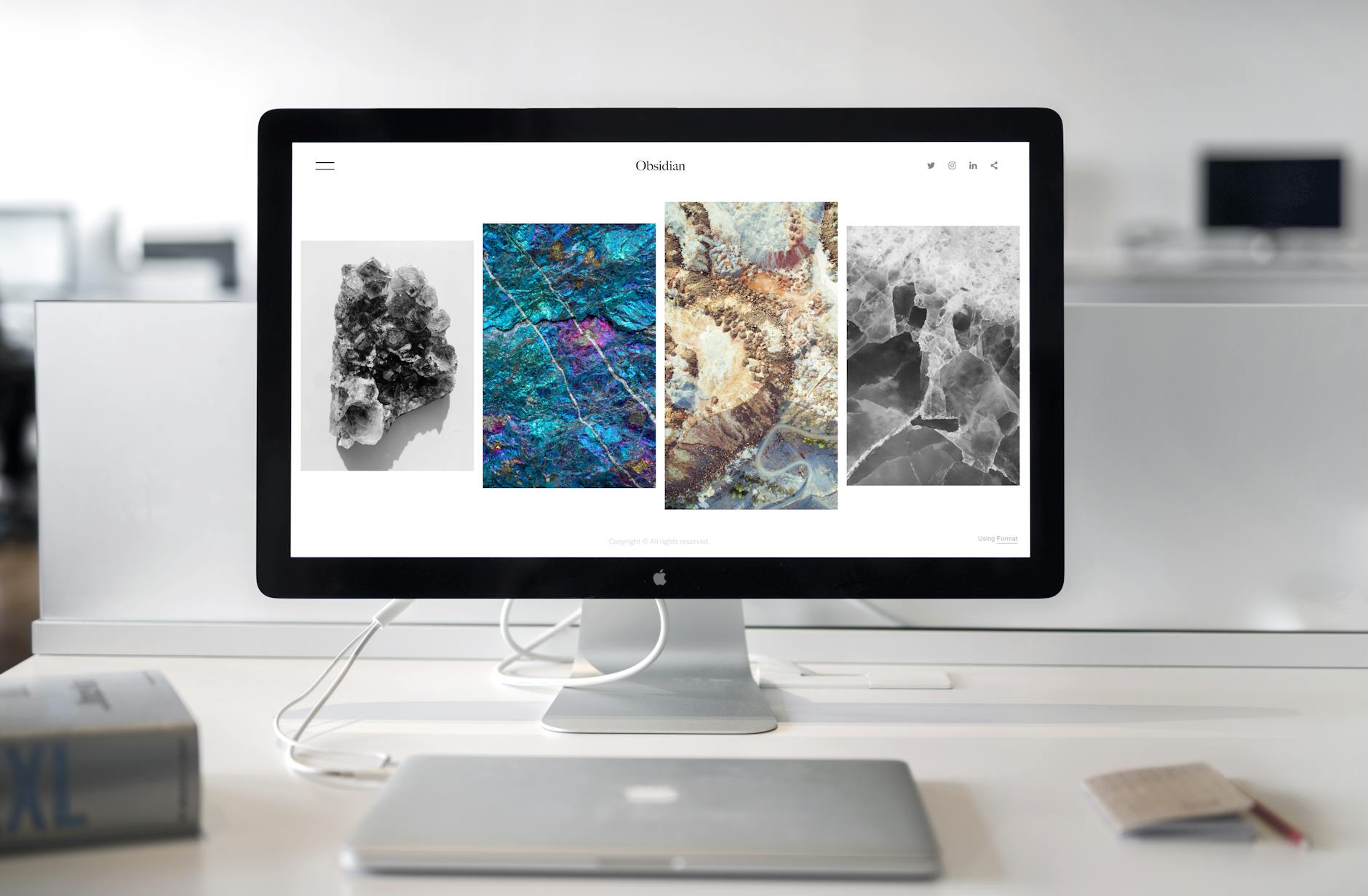
For freelancers, your work speaks louder than anything else. Organize your past projects and deliverables neatly. If you lack photos or images, leverage built-in AI image generators or stock libraries to elevate your site's aesthetic. Maintaining a consistent visual tone builds immediate trust with visitors.
Listing too many projects can dilute your impact, so curate your best work. Adding a brief description to each project explaining the specific problem you solved will significantly boost your conversion rate for inquiries.
Step 3: Edit via Chat and Connect Your Contact Info
Once your draft is complete, check its readability on a smartphone screen. The majority of your visitors will browse on mobile devices. If any adjustments are needed, you can chat directly with the dashboard manager or AI agent to request changes instantly. You can update details like your phone number, pricing, or announcements in real time whenever necessary.
| Production Stage | Key Checklist | Available Features |
|---|---|---|
| Planning & Draft | Enter industry and contact info | Automated prompt generation |
| Content Polish | Organize top projects and history | AI images and media library |
| Final Setup | Verify mobile view and inquiries | Chat editing and domain connection |
Step 4: Set Up Search Visibility and Automated Blogging
Building a site does not guarantee organic traffic right away. You need to incorporate structured data and verification tags to ensure your site appears on Google Search Console. ROYJU automatically generates and publishes industry-specific blog posts daily to drive search traffic. Visitors discovering these posts naturally flow into your site, turning readers into active inquiries or consultation bookings.
Instead of wasting time stressing over design, quickly build a solid framework using this proven sequence and get back to your core work. Detailed pricing and features can be found on the Pricing page, and if you are ready to launch, head over to AI Website Builder to enter your first prompt.
FAQ
Can I really build this alone with zero design sense?
Yes, by simply typing your industry and preferred style into the initial prompt, a fully structured site featuring tailored designs, copy, and images is generated in minutes. Even after completion, you can click on any section and request changes through chat, requiring zero design knowledge.
Can I create a portfolio site even if I do not have many past projects?
You can start with just your personal resume, a breakdown of your workflow, and a few simple sketches or sample projects. If you are short on photos, you can utilize AI image generators or library features to fill out your site's atmosphere.
Put it into practice
Describe what you need and your website is ready in minutes, with blog marketing running every day.