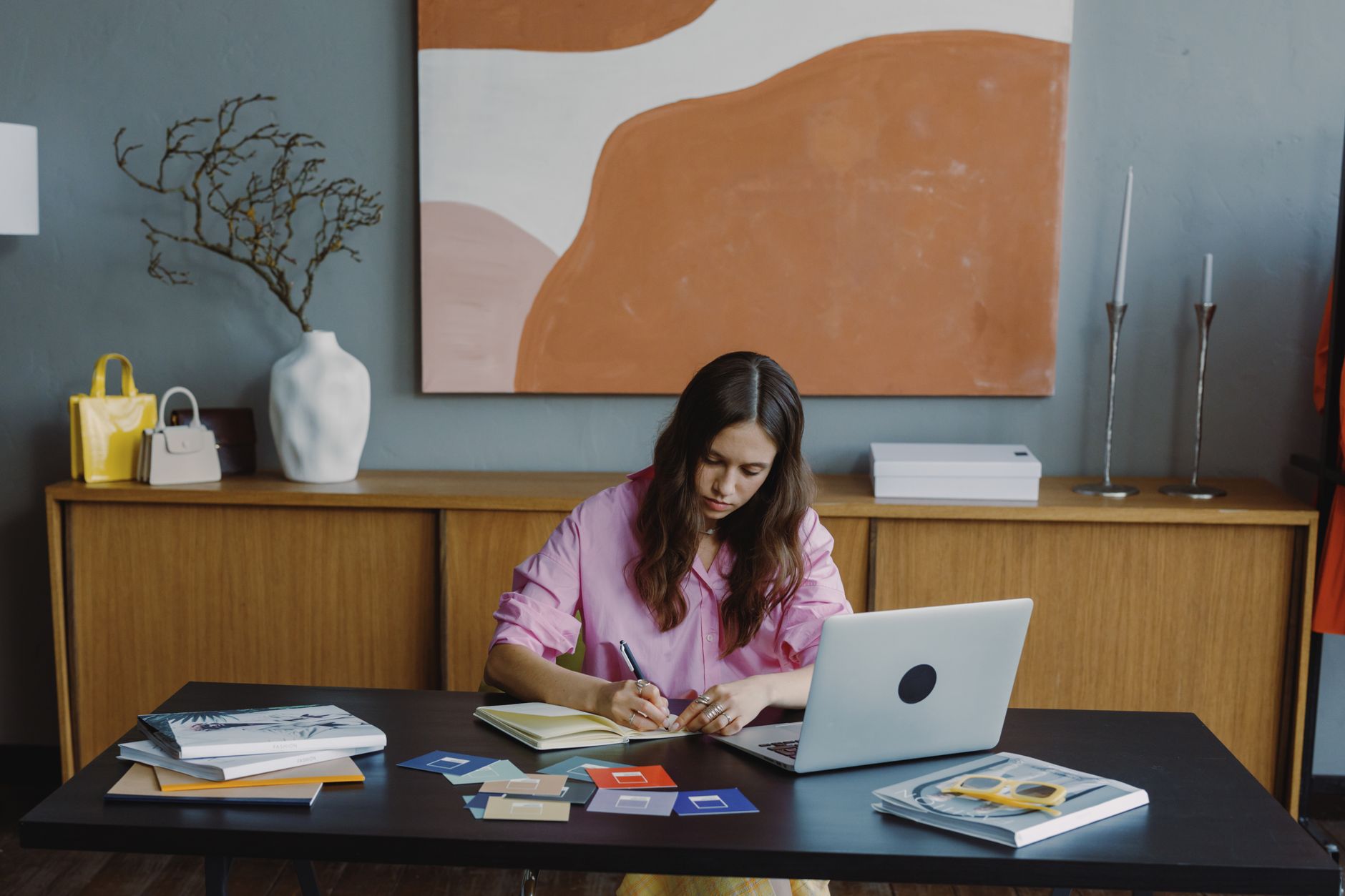
End Your Website Design Worries as a Solopreneur with AI Style Recommendations
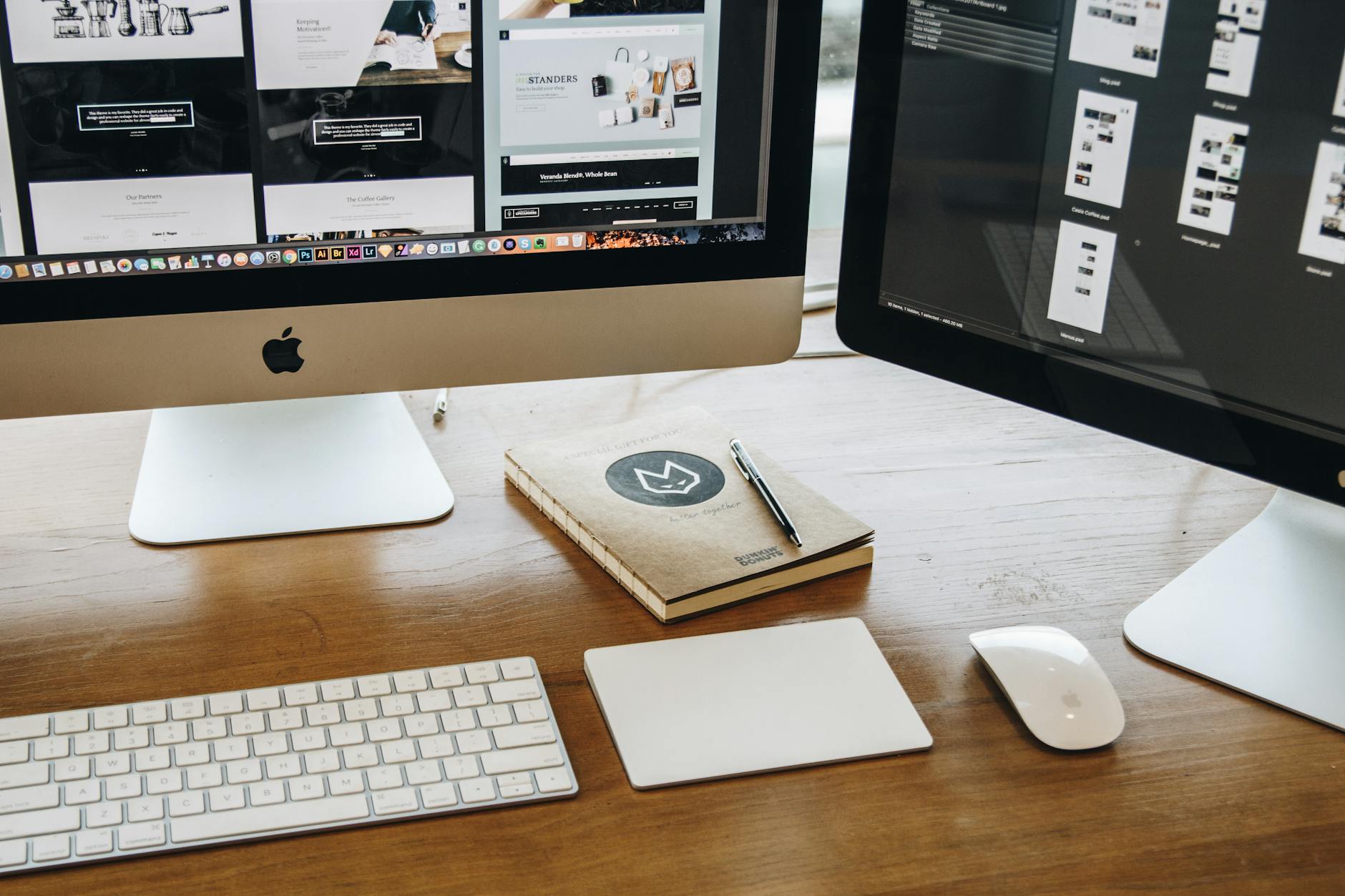
Photo: Tranmautritam · Pexels
Building a website from scratch often hits a roadblock right at the start when you have to figure out color palettes and font sizes. Hiring a professional can stretch your budget, and doing it yourself feels overwhelming if you lack a background in design. This is where an AI website builder comes in, allowing you to establish a fitting look and feel for your business in just seconds without any prior design knowledge.
Setting the Vibe with Initial Inputs
When you start the creation process, the very first screen asks you to input your industry and preferred aesthetic. You do not need to know specific design terminology. For instance, if you run a craft workshop or a counseling center, you might enter a calm and organized feel, while a vibrant lifestyle boutique would call for an energetic vibe. Based on your inputs, the AI website builder automatically configures the overall layout and tone.
There is no need to spend all night adjusting font sizes or line spacing. Because a solid foundational framework is generated for you, the time spent stressing over the big picture drops dramatically.

Applying Industry-Specific Styles Directly
Once your foundational framework is ready, it is time to tailor it to the identity of your business. The AI website builder provides a variety of style options.
- Cinematic: Emotional and immersive layouts centered around photography
- Minimal: Clean and trustworthy forms that utilize negative space
- Luxury: Heavy, sophisticated tones that exude elegance
- Warm: Soft color palettes that create a friendly and approachable atmosphere
You can switch to the style that matches the first impression you want visitors to have with a single click. Being able to transform the color scheme and overall mood of the entire site with one button is one of the most convenient features for daily operations.
| Style Type | Recommended Industries | Overall Impression |
|---|---|---|
| Minimal | IT Services, Consulting, Professional Services | Clean and reliable |
| Cinematic | Studios, Brand E-commerce, Food and Beverage | Eye-catching and immersive |
| Warm | Craft Workshops, Beauty Salons, Counseling Centers | Friendly and comfortable |
| Luxury | Premium Booking Services, High-end Beauty | Sophisticated and authoritative |
Modifying Detailed Designs via Chat
Even after picking a style, you might want to adjust a specific section. In these cases, you simply select the element you want to change on the completed screen and make your request conversationally. If you type a request to make the background slightly darker or center-align the text, the changes are applied instantly.
Because you can make edits with plain language without opening code files or complex design tools, the revision speed is remarkably fast. If you are not satisfied with a change, you can revert to a previous version at any time, allowing you to experiment without hesitation.
Practical Tips to Reduce Design Stress
Trying to achieve a flawless design right out of the gate can delay your launch indefinitely. It is crucial to trust the baseline style suggested by the AI website builder and complete the overall pages first.
Visitors care much more about whether your business information is accurate and if booking or contacting you is easy than they do about flashy graphics. We recommend quickly establishing the basic framework, filling in the necessary copy and photos, and then gradually refining the details as you run your site.
If you are struggling with design while building your first website, check out AI Website Creation to input your industry and see what kind of styles you can achieve. You can review specific plans on the Pricing page and get started right away with the setup that suits your business.
FAQ
Can I really build a site on my own with zero design sense?
Yes, by simply entering your industry and desired mood, the AI website builder automatically handles everything from layouts and fonts to colors, allowing you to build a site immediately without any design background.
Can I change my chosen style later if I do not like it?
You can switch to a different style at any point, even after completion, or target specific sections and request design edits through chat.
Put it into practice
Describe what you need and your website is ready in minutes, with blog marketing running every day.