How to Create a Cafe Website Featuring Menu Guides and Reservations in One Place
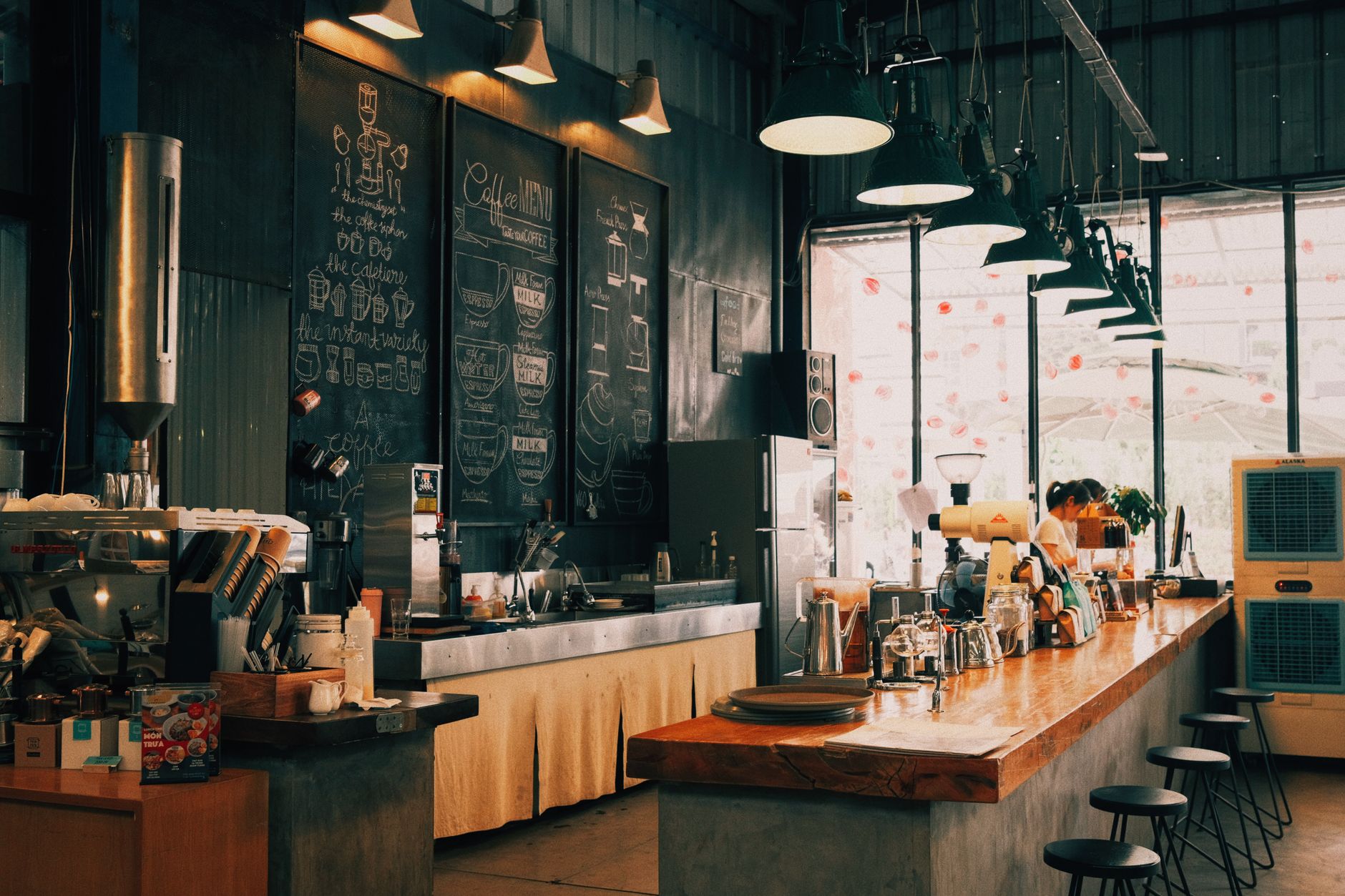
Photo: Khoa Võ · Pexels
Between roasting beans every morning and prepping for opening hours, answering DMs and phone calls from regulars asking about the daily menu, available seating, or private rentals can be exhausting. Relying solely on map apps often falls short when you want to highlight your signature drinks or cozy interior. While you might consider hiring an agency, the budget and tight schedules make it daunting, and tackling coding or design on your own feels overwhelming.
Type Your Cafe Details and Desired Vibe in the Initial Prompt
Building a website without any technical knowledge is simpler than you might think. Just type your business type, preferred mood, signature menu items, and contact info into the first screen's prompt, and a basic framework takes shape within minutes. Selecting a style like cinematic or warm automatically applies color palettes and photo placements that match your interior design, saving you hours of design work.

Structuring Your Menu and Reservations on a Single Page
When visitors land on your site, they want to know what coffee and desserts are available today and whether there are open tables. Instead of long paragraphs, organize your sections intuitively in the following order:
- Top: Main hero photo showcasing the cafe's overall atmosphere and a brief greeting
- Middle: Signature menus and desserts complete with prices and descriptions
- Bottom: Visit reservations, group gathering requests, location, and operating hours
If you want to tweak the layout or update your phone number and operating hours, simply click the element you want to change on the live screen and use chat to update it instantly. Even without design skills, you can easily revert to previous versions or swap images from your library, making menu updates a breeze during busy operating hours.
Attracting Customers Through Search Visibility and Blog Marketing
Simply launching a website does not guarantee an influx of customers. You need to set it up so that when people search for local cafes on Google, your business appears naturally. Once the site is ready, industry-relevant content is automatically generated and published to search engines daily, allowing you to promote your store consistently without writing posts yourself.
| Category | Traditional Method | ROYJU Solution |
|---|---|---|
| Production Time | Weeks from consultation to completion | Minutes after entering prompts |
| Menu & Info Updates | External agency requests or manual coding | Instant updates via chat |
| Search Marketing | Separate advertising agency contracts | Automated daily blog publishing |
Converting Visitors into Reservations and Inquiries
A well-equipped site with seamless menu navigation and booking features acts as a reliable employee that accepts customers late at night or on your days off. If you want to build a space tailored precisely to your cafe without installing complex software, get started right away with AI Website Builder or check out the Pricing page for more details.
FAQ
Can I update the menu and prices on my cafe website myself?
Yes. Simply click the menu or price section you want to edit on your live site and request the change via chat to apply it immediately. You can also modify text and photos anytime through the dashboard.
Where can I check incoming reservations and inquiries?
Reservations, orders, and customer inquiries are gathered in your management dashboard, and you can receive notifications so you never miss a request.
What kind of content is published in the automated blog posts?
Content optimized for search engine visibility is automatically created and published daily based on your cafe's industry, helping customers discover your site through search results without extra marketing effort.
Put it into practice
Describe what you need and your website is ready in minutes, with blog marketing running every day.