Flower Shop Website: Managing Pre-orders and Delivery Information
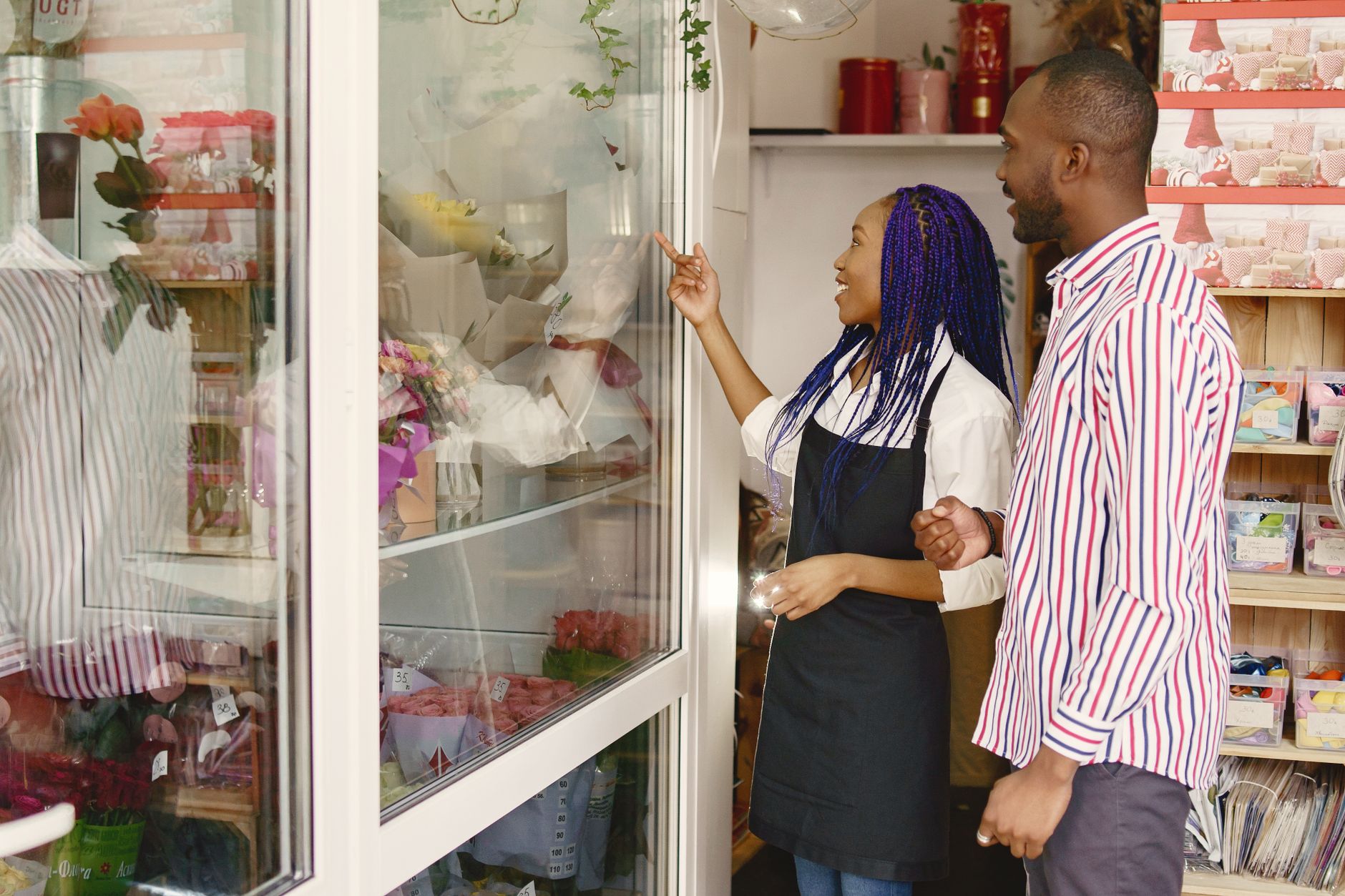
Photo: Gustavo Fring · Pexels
Updating bouquet prices and holiday delivery notices on a blog or social media every season is much more tedious than it sounds. When talking to florists who run their own websites, we often notice that while products change constantly, the actual site information remains outdated. Today, we will break down how to clearly organize seasonal items, pre-orders, and delivery information so you can manage them easily on your own.
Information Customers Look for First on a Flower Shop Website
Customers looking to place a pre-order check three main things the moment they land on a site. First, vivid photos and approximate price ranges of currently available seasonal items. Second, how to select pickup dates and times. Third, areas eligible for vehicle delivery and any additional fees. Having this information clearly displayed on the homepage or main menu prevents wasted time on phone inquiries and leads directly to bookings.
However, running a busy storefront makes coding or contacting an external agency every time text needs updating quite unrealistic. Therefore, you need a structure that lets you change text and prices on the fly. Flower shop websites built using ROYJU allow you to type text and prices into administrator input fields so they reflect immediately on the site for customers.

Steps to Update Seasonal Products and Prices in the Admin Panel
When seasons change for Valentine's Day, White Day, Parents' Day, Teachers' Day, or graduation seasons, the main screen product lineup needs quick refreshment. The steps to handle this directly in the admin panel without complex program modifications are as follows:
- Go to the product and menu management section of the admin page.
- Upload photos of newly prepared seasonal bouquets and baskets.
- Enter prices, sizes, and available date ranges into the input fields.
- Click the save button to instantly apply changes so customers can view them.
Organizing Holiday Delivery Information and Pickup Precautions
Because timing is everything for flower deliveries, specific guidelines reduce inquiry calls. Especially on holidays when orders peak, delivery areas and time slot closures must be placed in prominent locations. Utilizing an AI website builder lets you easily add these notice sections wherever you want and refine the phrasing stylishly by chatting with an agent.
| Category | Required Information | Update Frequency |
|---|---|---|
| Pre-orders | Reserve 2-3 days before pickup, color specification availability | Ongoing |
| Delivery Guide | Regional delivery fees, specific time delivery availability | Seasonal |
| Closures & Notices | Regular store closing days, temporary closure schedules | 1-2 times a month |
The Power of Automated Blog Marketing to Increase Search Traffic
Simply building a site and waiting for customers rarely brings high search engine rankings. Visitors looking for flower shops frequently search with specific keywords like 'pretty flower shops near the city' or 'holiday money bouquet reservation'. ROYJU helps generate and publish industry-optimized blog posts automatically every day after the site is completed, ensuring exposure on Google Search Console. You can create a natural flow where visitors reading these daily posts turn into reservations and orders.
If you want to build a flower shop website that you operate yourself while building customer trust, set up the basic framework with a single prompt and edit only what you need. Detailed pricing and features can be found in Pricing Information, and layouts for various industries can be viewed in Website Examples.
Reach out anytime if you have questions about website creation or operation.
FAQ
Can I change product prices and delivery fees directly on the flower shop website?
Yes, you can directly update prices, photos, and delivery notices anytime through the input fields on the admin page, and they reflect on the site instantly.
How does automated blog marketing help with search exposure?
Posts containing useful information and industry-specific keywords are automatically published daily, increasing search traffic on Google and connecting visitors to reservations.
Put it into practice
Describe what you need and your website is ready in minutes, with blog marketing running every day.