Flower Shop Website Design: Reservation and Delivery Text Checklist
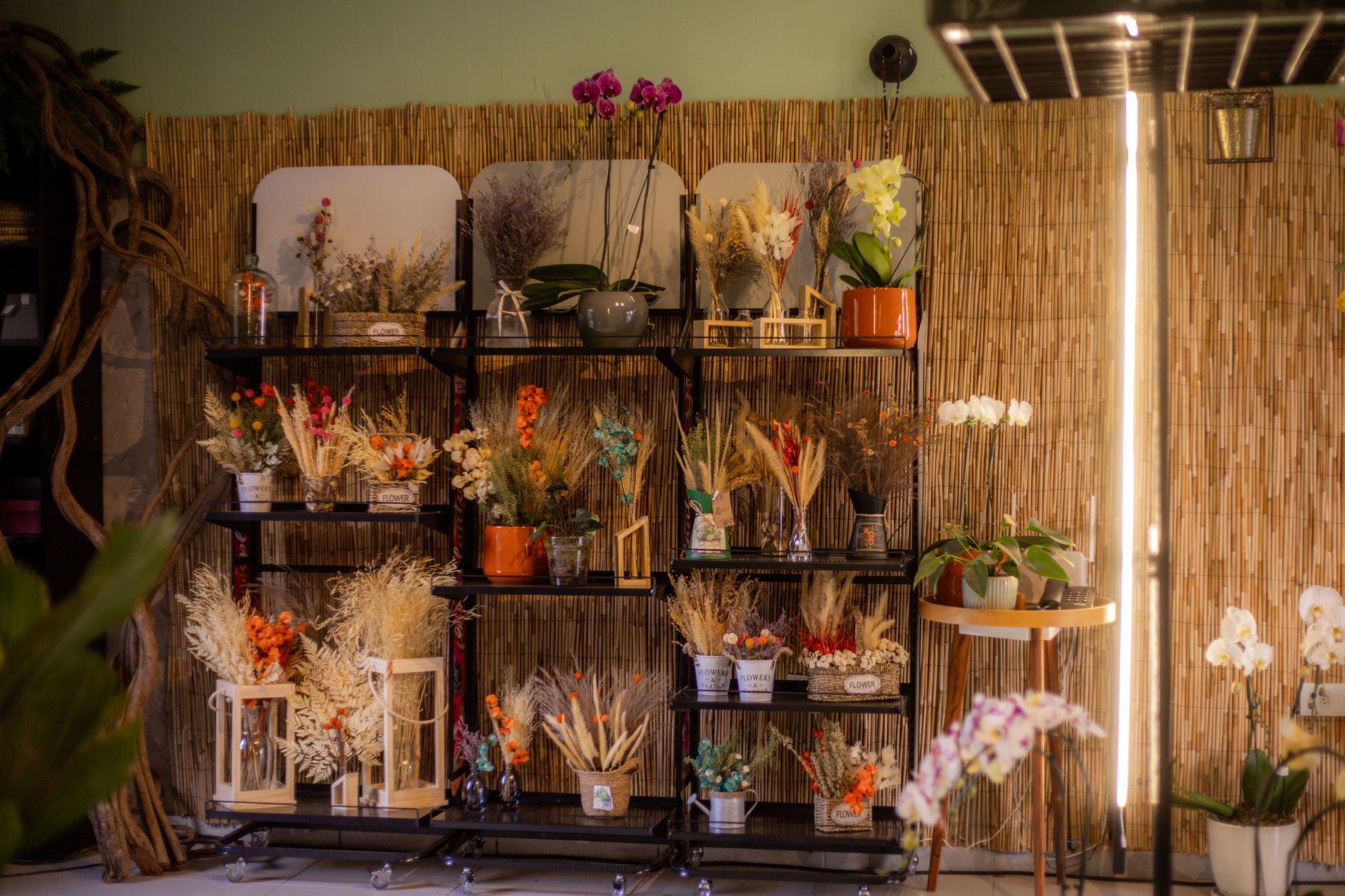
Photo: Guto Macedo · Pexels
When your shop is packed with customers and you are busy arranging bouquets, the phone rings constantly. During graduation seasons or major holidays, inquiry calls about delivery availability and pricing never stop. Between managing daily store operations and handling phone consultations, you likely feel exhausted. This is exactly why having a properly functioning small business website is essential.
If customers can check necessary information on their smartphones before visiting the shop or making a phone call, you can significantly reduce unnecessary repetitive inquiries. Flower shops in particular deal with many seasonal items and strict delivery conditions, making it crucial to clearly display relevant details right on the homepage. In this post, we will cover the key text layout points that flower shop owners often overlook.
Seasonal Reservation Orders Must Be Visible Immediately on the Homepage
Most customers looking for a flower shop are preparing for anniversaries or special events. During seasons like graduation ceremonies, entrance ceremonies, Mother's Day, and Valentine's Day, orders surge, so advance notices about deadlines are vital to prevent chaos on site.
When organizing your text, you need to place the core information customers look for in an eye-catching spot. Concise phrases that can be grasped at a glance are far more effective than lengthy explanations.
- Clearly state reservation deadlines and times
- Methods for selecting available pickup times and dates
- Same-day order availability and minimum order amounts
- Guidelines on whether color or flower types can be customized
When these details are well-organized on the homepage, customers spend less time hesitating and are much more likely to proceed directly with a reservation. Utilizing an AI website builder like ROYJU allows you to automatically arrange and edit industry-appropriate text within minutes.

State Delivery Information and Additional Cost Criteria Transparently
Flower delivery differs from standard parcel shipping; costs often vary by region, or vehicle transport may be strictly required. Inadequate delivery information can lead to disputes over delivery fees or canceled orders.
While exact costs depend on your shop's location and distance, setting clear criteria in advance enables smooth communication with customers. For instance, clearly state in writing that deliveries near subway stations cost a specific amount, while vehicle deliveries vary based on distance.
| Category | Guide Details | Checkpoints |
|---|---|---|
| Local Delivery | Vehicle delivery for areas near the shop | Additional cost guide by distance |
| Direct Pickup | Specify store visit time | Address and parking space guidance |
| Reservation Changes | Available up to 2 days prior to pickup | Cancellation fee policy notification |
How to Reduce Phone Inquiries by Organizing Frequently Asked Questions
Once your flower shop website is built, you should gather questions that customers frequently ask via boards or messaging. Preparing answers ahead of time for queries like ribbon message formatting, credit card payment availability, and how to check reservations through the admin screen will noticeably boost your operational efficiency.
Customers will appreciate getting immediate answers, and you can step away from repetitive customer service tasks to focus entirely on floral design. Using features that automatically publish SEO-friendly blog posts every day will naturally drive more visitors to your site.
Rather than waiting idly for customers while running a small business website yourself, building a space packed with thorough information beforehand is a safer approach. Review your reservation order and delivery guide text today.
If you have further questions about essential features for running a flower shop and setting up automated search visibility, you can check them directly on the AI Website Builder page. If you are wondering about layouts suited to your store, explore the details on the Pricing page.
FAQ
How should I write delivery fee information on a flower shop website?
Because exact costs vary by delivery distance, it is best to clearly write out basic deliverable areas and additional cost calculation criteria based on distance.
Where is the best place to position seasonal reservation order deadlines?
You should place them at the top of the homepage or within the reservation guide section where customers land so they notice them immediately upon entering the site.
Put it into practice
Describe what you need and your website is ready in minutes, with blog marketing running every day.