How to Build a Sleek Freelancer Portfolio Website Without Any Design Skills
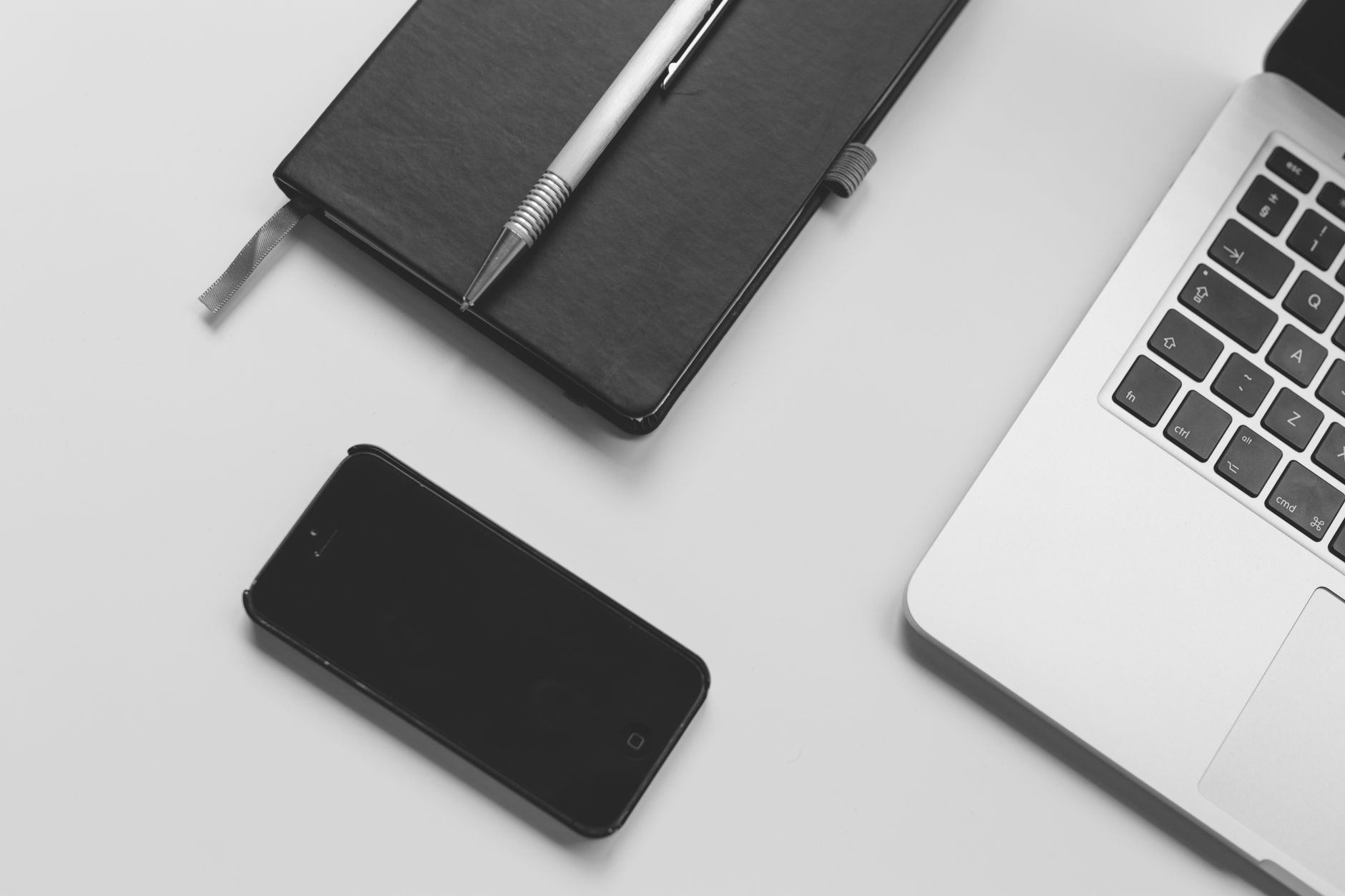
Photo: Negative Space · Pexels
You have accumulated plenty of great work, but keep putting off building your freelancer portfolio website because you lack the time. Even if you do not know HTML or CSS coding, and even if you do not possess advanced design skills, there is a way to showcase your projects professionally. Here is how you can achieve results that look like they were made by an expert just by typing out what you need on the initial screen.
Entering Your Work Style and Contact Info in the Prompt Box
There is no need to spend hours picking out layouts or adjusting font sizes one by one. Simply type your industry, desired vibe, and contact information into the starting prompt box. For instance, specify whether you focus on editorial design, illustration, development, or copywriting, and choose preferences like a sophisticated aesthetic or a minimalist style. The AI handles the overall design tone, copywriting, and photo placement in just a few minutes.

Choosing Styles and Utilizing the AI Image Library
If you do not have enough finished project photos yet, you can fill the gaps using the built-in photo library or AI image features. Selecting a mood that matches your work from various styles such as cinematic, minimalist, tech, or editorial ensures a consistent overall atmosphere.
- Choose a representative image that highlights your work nature to set a strong first impression on the main screen.
- Use a section layout that alternates between text and images to keep visitors focused without getting distracted.
- Place contact and inquiry sections in easily visible spots so visitors do not have to scroll far.
Refining Details and Layouts via Chat
Even if you like the automatically generated results, you will still need to tweak specific text, pricing, or work history. You do not need to navigate a complicated admin dashboard for this; just click on the section you want to change directly on the finished site screen and make your request via chat to apply updates instantly.
| Category | Outsourcing and Manual Coding | ROYJU AI Builder |
|---|---|---|
| Time Required | Weeks to months | Completed within minutes |
| Design Knowledge | Professional expertise required | Handled by entering requests |
| Editing Method | Code edits or outsourcing requests | Instant edits via chat |
Connecting Search Traffic and Automated Blog Marketing
A beautifully made freelancer portfolio website is useless if potential clients cannot find it. You need features that automatically set up structured data and sitemaps so search engines can easily index your pages. Furthermore, setting up automated daily blog posts tailored to your industry creates organic traffic pathways when people search for relevant keywords on Google Search Console. The key is linking these visitors straight to inquiries and project requests as soon as they read your content.
If you are hesitating to start because of design concerns, lay down the basic framework with a single prompt and refine the details through chat. Build your own workspace right now at AI Website Building, and check out the Made Site Examples to jumpstart your stunning portfolio.
FAQ
Can I really build one even if I have zero design sense?
Yes. Just type your industry and desired vibe into the initial prompt box, and the AI handles the layout, fonts, and photo placement automatically, meaning you can easily create one without design knowledge.
How do I change the text or contact info on my created site?
Simply click on the specific part you want to modify on the finished site screen and request the changes through chat for instant updates.
How can I make my site appear on search portals?
The essential settings for search traffic are configured automatically, and you can maintain consistent search marketing by turning on the automated blog publishing feature in the admin menu.
Put it into practice
Describe what you need and your website is ready in minutes, with blog marketing running every day.