How to Build a Solopreneur Website in Minutes Without Design Skills

Photo: Tima Miroshnichenko · Pexels
One of the most daunting moments when starting a business on your own is building a website with your own hands. You don't need to know how to use design tools, and you can finish a site without any coding knowledge at all. Nowadays, using an AI website builder allows anyone to get professional-looking results in just a few minutes. To help those who don't know where to start, let's walk through the process step-by-step from the initial screen input to completion.
Type Your Business Story into the Initial Input Box
Starting your website creation is simpler than you might think. Just type your industry, desired vibe, and essential contact info or main menu items naturally into the input box on the first screen. For example, if you run a studio, you might write it so that class introductions and booking inquiries are included, while a freelancer would want to emphasize a portfolio section. Choosing a style from AI recommendations—such as minimalist, tech, or warm—quickly establishes the right design framework for your atmosphere. There is no need to open Photoshop or spend hours agonizing over layouts.
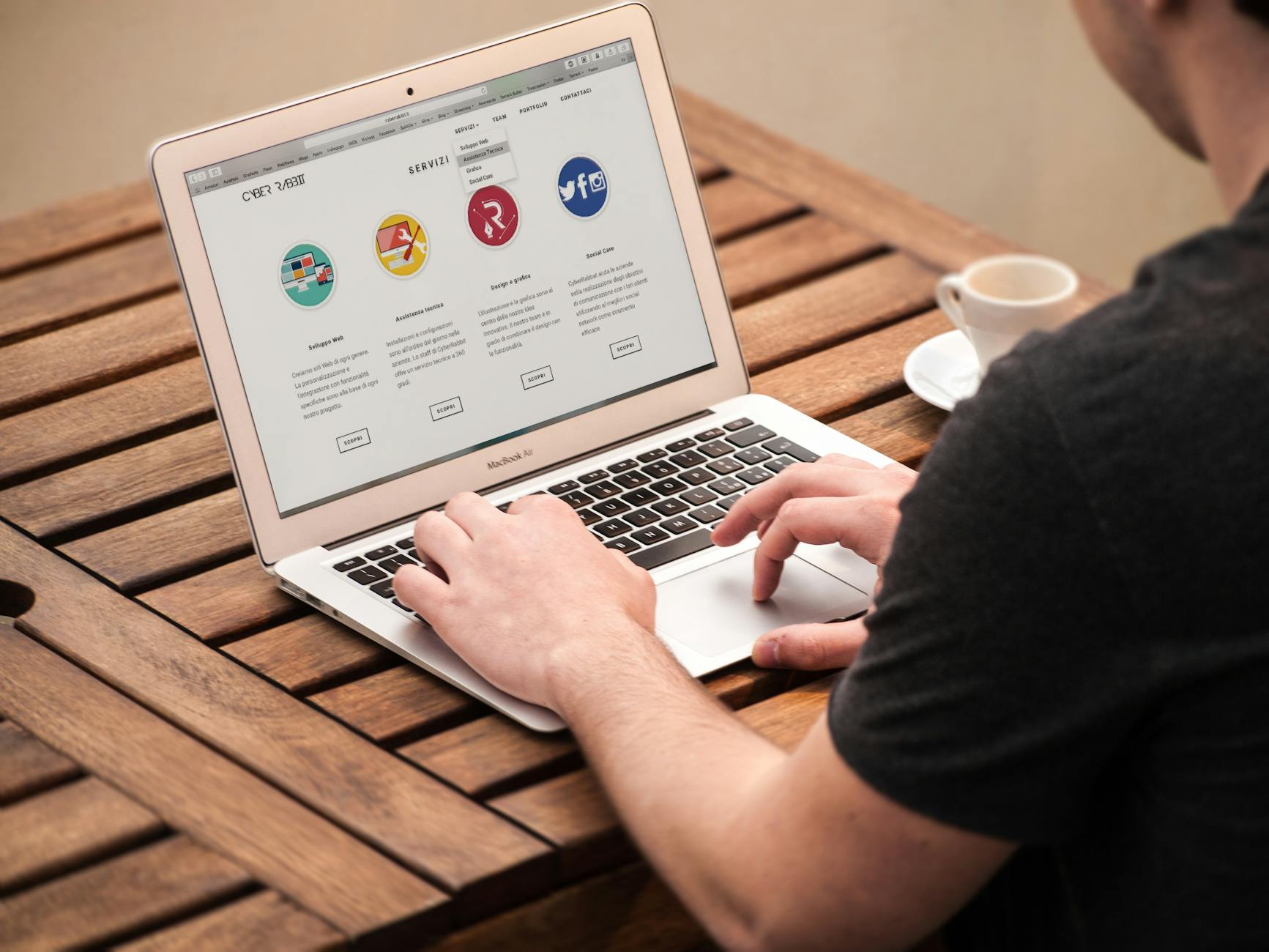
Designs and Copy Completed in Minutes
After entering your prompt and waiting a moment, a site featuring complete designs, copy, photos, and page layouts tailored to your input will appear on your screen. You can review the results immediately because the layout fills with content appropriate for your industry without you having to search for photos or write text yourself. And that's not all. If you see text or colors you don't like on the finished screen, you can click the section you want to change and request edits directly through chat. Changing a phone number or updating business hours is handled as comfortably as having a conversation.
- Type your industry and desired vibe into the initial screen prompt
- Select your preferred atmosphere from the styles suggested by the AI
- Easily adjust parts of the finished screen using the chat feature
- Wrap up settings for reservations, orders, inquiry management, and payment integration
Bookings, Payments, and Search Visibility All at Once
Building a site that merely looks presentable is not enough. To truly benefit your business, the setup must seamlessly connect to functions where customers actually leave inquiries, book services, or pay for products. You can easily check reservations and order histories in the admin panel, and configure card payments or bank transfers without complicated processes. Furthermore, it smoothly links structural data and site verification code registration to ensure your site is properly indexed on search engines like Google and Google Search Console.
| Stage | Main Tasks | Time Required |
|---|---|---|
| Stage 1 | Initial prompt entry and style selection | Approx. 2-3 minutes |
| Stage 2 | Detailed edits via AI agent chat | Approx. 5-10 minutes |
| Stage 3 | Booking management, payments, and domain connection setup | Approx. 10 minutes |
Start Search Marketing That Runs Automatically Every Day
Getting visitors to your site after it is built is also important. If you find it difficult to spend time manually writing blog posts, you can utilize the built-in automatic blog marketing feature on the site itself. Because posts tailored to your industry are automatically written and published every day, search traffic from Google accumulates steadily over time. Experience firsthand the structure where prospective customers visiting via search naturally turn into bookings and inquiries on your site.
If you have been hesitating to start due to design concerns, kick off your business's first page easily right now with an AI website builder. If you are curious about detailed pricing information or successful setup examples from other solopreneurs, we recommend browsing the pricing guide and website examples pages.
FAQ
Can I really build a website even if I have no design skills at all?
Yes, by simply typing your industry and desired atmosphere into the initial screen input box, the AI website builder automatically handles everything from the design and copy to photos, allowing you to build it without any professional knowledge.
Can I change the content or design of the created site later?
On the completed site screen, click the section you want to modify and request changes via chat to update it right away. You can comfortably change phone numbers, business hours, prices, and more whenever you like.
Is the process to make the site appear in search results complicated?
Structural data and settings required for search engine optimization are processed automatically during website creation, and you can easily enter Google Search Console verification codes in the admin dashboard to start gaining visibility.
Put it into practice
Describe what you need and your website is ready in minutes, with blog marketing running every day.