How to Use AI Photo Libraries to End Website Image Struggles

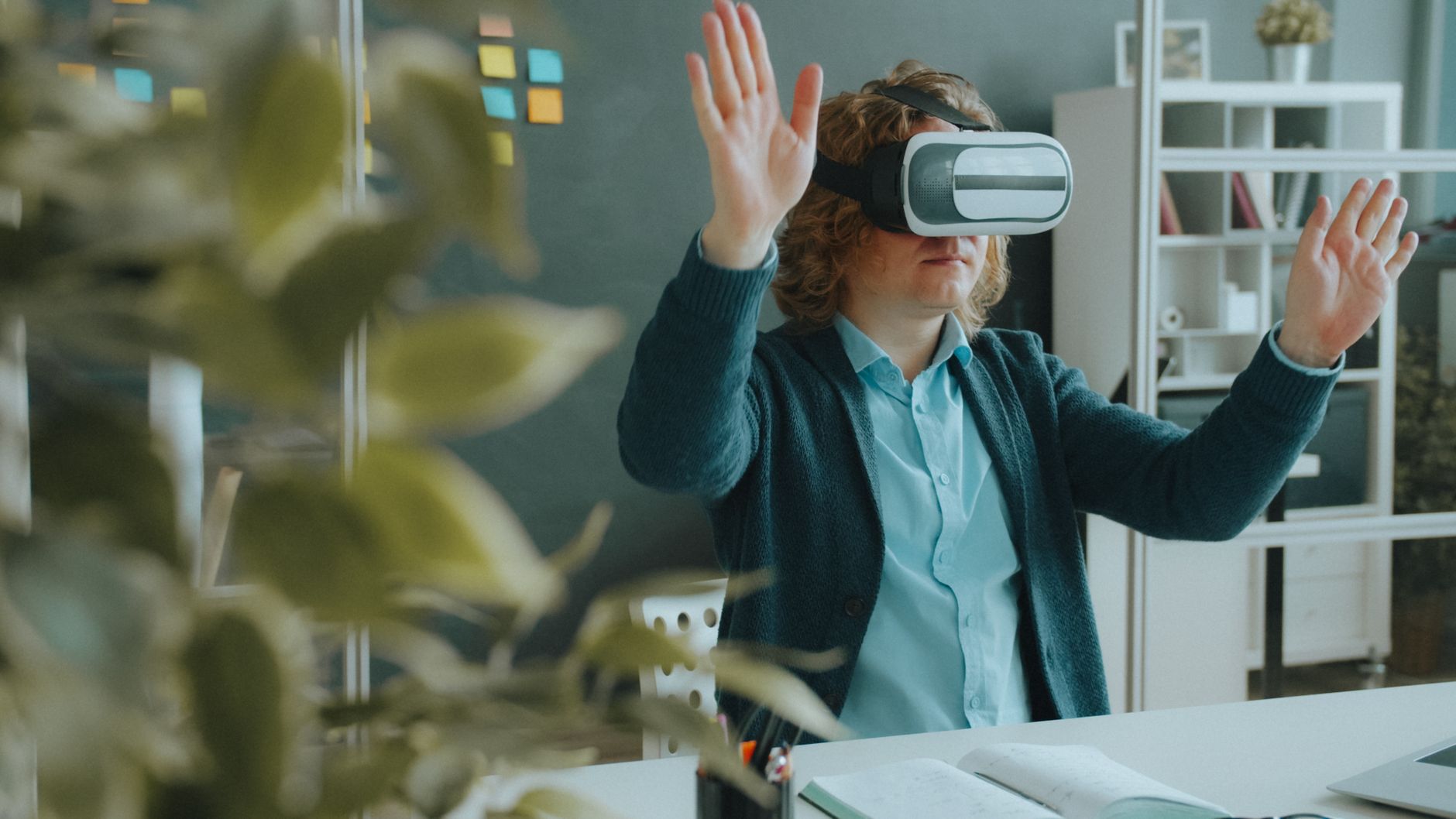
Photo: Vitaly Gariev · Pexels
When building a website, choosing the right visual elements often takes just as long as writing the copy. You have likely spent hours browsing image sites looking for that one ideal photo, or felt stuck without your own original pictures. When creating a website with ROYJU, you can significantly reduce this hassle. Actively utilizing AI images while shaping your industry-appropriate atmosphere saves a tremendous amount of time and effort.
How AI Images Solve the Problem of Lacking Visual Materials
While having original on-site photos of your shop or brand is ideal, they often lack the necessary resolution or fail to capture the professional feel of your industry. When you cannot head out with a camera or find only repetitive clichés on stock photo sites, AI images serve as a reliable alternative. By typing your desired mood or situation into the prompt box, you can generate visuals tailored to your site's overall tone and manner within seconds. From bold aesthetics to warm, minimalist styles, you get results that match your chosen mood.
Steps to Manage and Search Materials in the ROYJU Photo Library
You need a centralized space to store and manage your personal photos, externally sourced materials, and AI-generated results. The admin page's photo and video library lets you quickly find necessary visuals using keyword search features. Uploading your favorite images to the library and arranging them across specific sections follows this workflow:
- Step 1: Access the photo and video library menu on the admin page.
- Step 2: Directly upload necessary materials or run the AI image generation feature.
- Step 3: Click the section you want to change on the website editor screen and specify the desired image via chat.
- Step 4: Finalize the layout by checking that it looks natural on both mobile and PC screens.
Tips for Arranging Images to Match Industry Atmosphere
No matter how appealing an AI image looks, it will backfire if it clashes with your industry's character. For instance, if calm consultations are crucial for your business, choosing warm and stable tones over overly flashy or aggressive visuals is safer. Conversely, for a trendy cafe or fitness center, mixing in bold and cinematic results helps hold visitors' attention longer. The key is maintaining overall site design consistency while inserting appropriate materials into each detailed section.
| Industry Category | Matching Atmosphere | AI Image Utilization Points |
|---|---|---|
| Consulting & Professional Services | Warm, Minimalist | Focus on organized background materials that convey trust |
| Dining & Cafes | Editorial, Bold | Highlight food textures and lively interior atmospheres |
| Beauty & Fitness | Cinematic, Luxury | Emphasize professionalism with dynamic and sophisticated color palettes |
Easy Revisions and Replacements Improve Quality
Placing photos once does not finish the job. As you run and maintain your live site, seasons change or new events arise, requiring frequent visual updates. If you outsourced the work, even minor image swaps would take time, but in a self-managed environment, you can make changes instantly with a single chat prompt. Simply add newly prepared materials to the photo library and ask the agent to swap them, and the updates reflect in seconds.
Stop wasting time selecting website images. Complete a mood tailored to your brand using the photo library and AI image features, and start attracting customers through daily automated blog posts. If you have questions about specific creation methods or pricing, check the screen directly at AI Website Builder or refer to the Pricing page to reach out with any inquiries.
FAQ
What kind of materials can I store in the photo library?
You can store and manage not only personally captured photo files but also results created through the AI image generation feature and uploaded video materials all in one library.
Can I easily change photos or images on the website later?
Yes, on the finished site screen, you can click the section you want to modify and request changes via chat to instantly swap them with other materials in your photo library or new AI images.
Put it into practice
Describe what you need and your website is ready in minutes, with blog marketing running every day.


