How to Build a Cafe Website and Handle Orders and Reservations in One Place
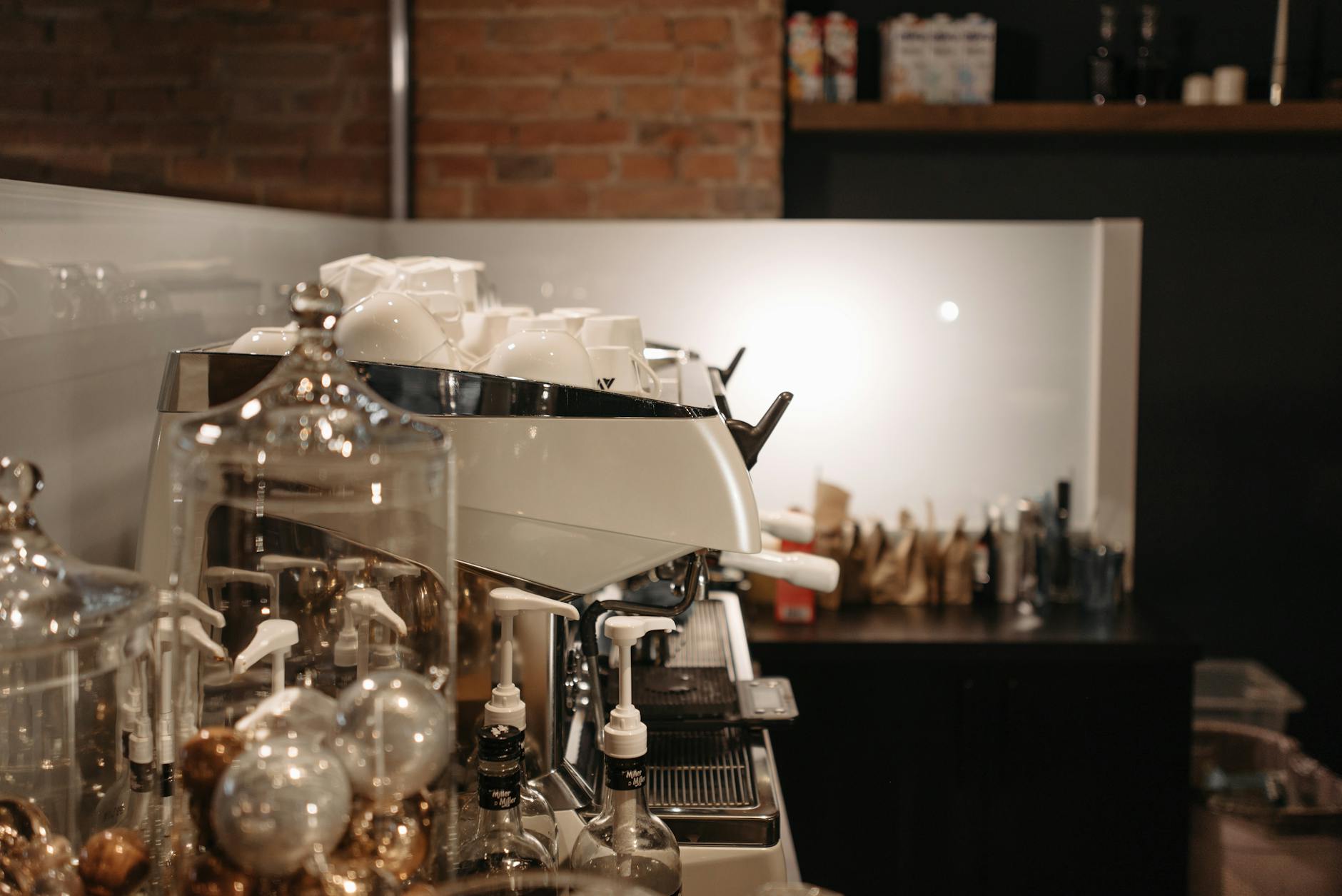
Photo: Pavel Danilyuk · Pexels
Running a cafe is a non-stop juggling act between opening the doors, roasting beans, and serving customers. It is easy to miss phone reservations or menu orders in the rush, and spending hours replying to opening time inquiries via Instagram DMs can drain your energy. What you need is a reliable digital assistant for your business through professional cafe website building. However, hiring an agency for custom development can strain your budget, while building one from scratch often feels intimidating when you lack coding or design skills.
Kickstarting Your Cafe Website with a Single Prompt
In the past, building a website meant writing project briefs, waiting for design drafts, and exchanging countless emails. Today, you can use AI technology to complete the entire skeleton of your site in minutes. Simply type your business type, desired vibe, and contact information into the input box on the ROYJU home screen. For example, you can write, 'A modern and warm-toned cafe that needs a signature menu showcase and reservation features.'
The moment you submit your input, a fully formed site complete with designs, copy, photos, and page layouts is instantly generated. You can choose from cinematic, minimalist, or warm aesthetic styles, and add personal touches using your own store photos or voice input. Because the process is intuitive from the very first step without any complex settings, you can easily get started even if you are not comfortable with computers.

A Practical Setup for Managing Orders and Reservations Together
To include features specialized for cafe operations, your site must seamlessly integrate the elements customers need when they visit. A well-organized menu and a straightforward structure for regulars to book tables or hall reservations are essential.
- A menu introduction section that neatly displays photos of signature drinks and desserts
- A reservation and inquiry form where visitors can easily select their preferred date and time
- A directions page that shows store locations, operating hours, and parking info at a glance
- An admin dashboard to quickly publish new updates and announcements
On a site built this way, you can check customer reservations and order histories in real time right from your admin screen. Notification features help you prepare for customer service without missing a beat, while card payment and bank transfer integrations ensure advance payments and deposits are handled smoothly.
| Category | Traditional Method | ROYJU AI Builder |
|---|---|---|
| Production Time | Weeks to months | Completed in minutes |
| Updates & Edits | Developer requests and extra fees | Instant edits via chat |
| Search Marketing | Separate agency required | Automated daily blog publishing |
Modify Your Site Effortlessly Through Chat with an AI Agent
As you browse your completed site, you may eventually want to update menu prices or revise announcements. Instead of digging through backend code, simply click on the section you wish to change on the screen and make your request via chat for an immediate update. Just type phrases like, 'Change opening time to 10 AM,' or 'Update the Americano price to 4,500 KRW,' and the AI agent will take care of it.
If you test a change and decide an earlier design looked better, you can safely use the version rollback feature. Domain connection is also straightforward, allowing you to link your custom address without complicated procedures for a fully professional brand presence.
The Power of Automated Blog Marketing for Search Traffic
Building a website does not automatically bring customers through your doors. It only matters if your shop shows up when people search for local cafes on Google or Naver. Once your site is complete, industry-tailored blog posts are automatically written and published daily to surface on search portals. This creates a virtuous cycle where prospective customers browsing the content naturally flow into your site to view the menu and make reservations.
You can configure keywords and publishing schedules directly in the admin dashboard, and structured data with sitemaps are applied automatically to ease any search engine optimization (SEO) worries.
If you want to introduce your venue to a broader audience and handle orders and bookings smartly, take your first step right now at AI Website Building. You can also review plans and specific features comfortably on the Pricing Guide page.
FAQ
I have never used a computer or built a website before. Can I really do this?
Yes, simply type your business type and desired vibe into the home screen input box as a sentence, and the AI will handle everything from design to copywriting. Because you can make edits simply by chatting with the system, you can easily operate your site without specialized knowledge.
How are reservations and order management handled?
The completed site includes built-in reservation and inquiry forms, and you can view customer submissions in real time through the admin dashboard. Notification and payment integration features allow you to tailor operations to match your cafe's needs.
Can I change the design or menu prices after the site is built?
Simply click on the area you want to modify on your site screen and submit a request via chat for instant updates. You can update prices or operating hours in real time whenever changes occur.
Put it into practice
Describe what you need and your website is ready in minutes, with blog marketing running every day.