Cafe Website Design Tips: How to Arrange Menu Photos and Reservation Forms
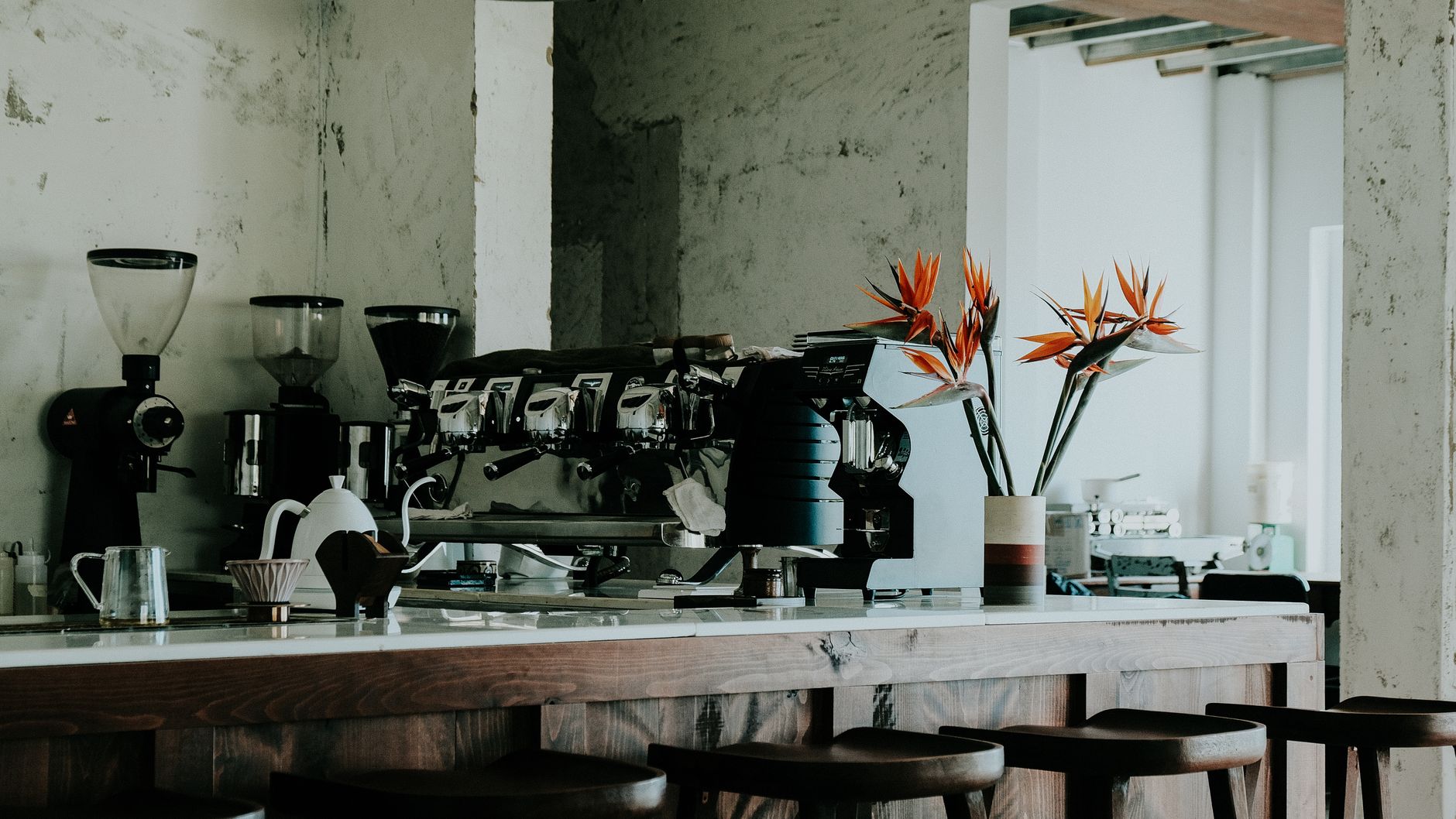
Photo: Thanh Luu · Pexels
When preparing to build a cafe website, one of the trickiest parts is figuring out how to harmoniously blend signature items and reservation or inquiry spaces onto a single screen. Creating a layout where visitors can instantly view beverage visuals and proceed with bookings without excessive scrolling is a crucial factor directly tied to actual revenue.
Planning the Overall Layout in the Initial Prompt
When you first start building your site, entering your business type and desired aesthetic in detail helps establish the foundational structure. What dictates a strong first impression in cafe website design is a combination of atmospheric imagery and clear menu guidance. Specifying in your prompt that you want a structure where the signature menu board directly flows into the real-time reservation section right at the bottom of the first page allows AI to arrange the design and sections accordingly.
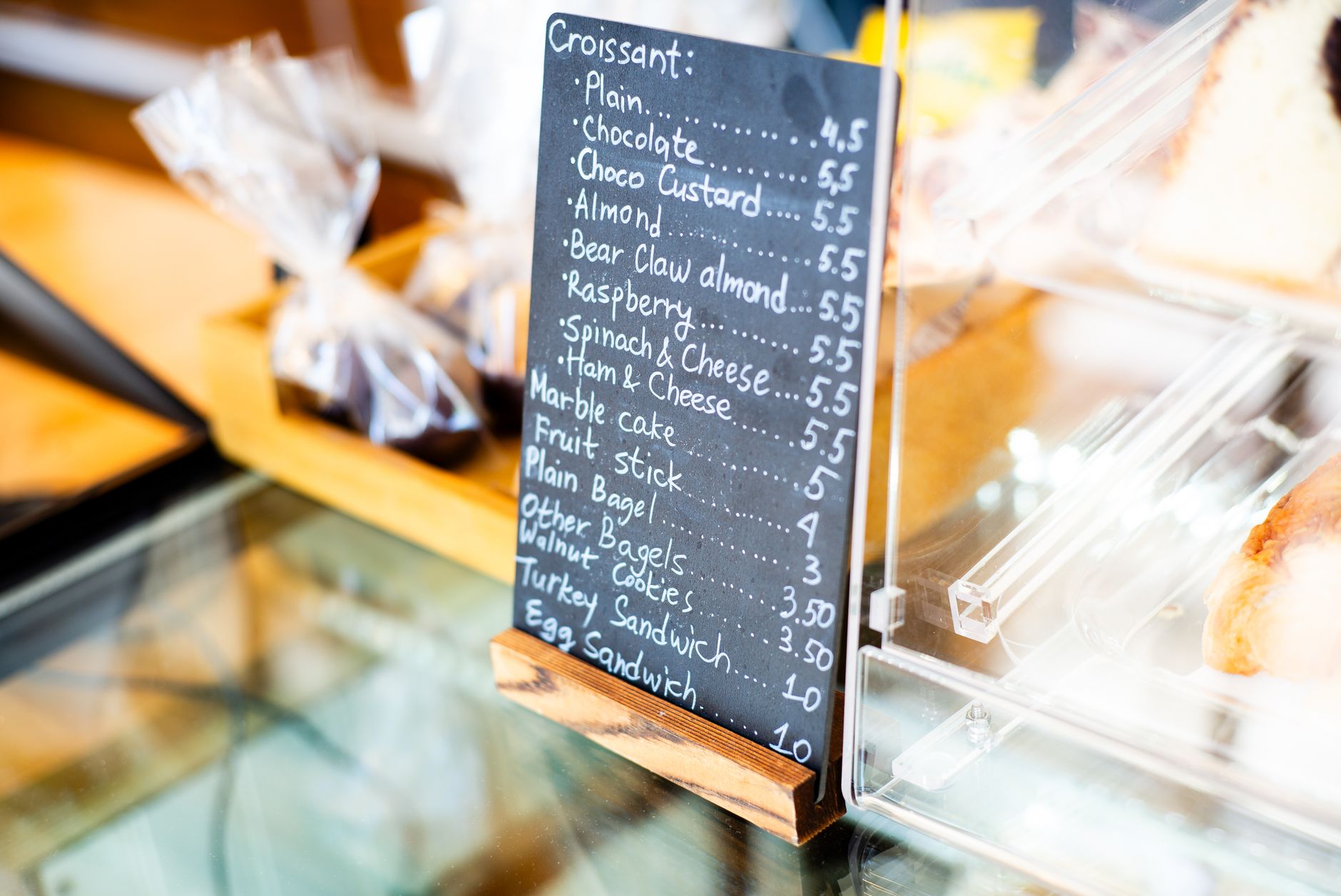
Tips for Organizing Menu Photos and Text
Overwhelming users with too much information at once on a menu board can easily distract them. When selecting high-resolution images from your photo library or uploading original shots you took yourself, it is best to check the following points:
- Arrange 3 to 4 representative drink and dessert photos side-by-side horizontally.
- Include prices and brief descriptions in a neat font directly beneath the photos.
- Subtly highlight seasonal limited items or bestsellers visually.
Transitioning Smoothly into Reservation and Inquiry Sections
The key is to guide customers naturally toward their next action after browsing the menu. Placing a form right beneath the menu where visitors can request group seating or space rentals helps lower bounce rates. Adding and editing fields from the admin dashboard is handled conveniently by filling in input fields without the need for complex coding.
| Zone | Layout Content | Recommended Focus |
|---|---|---|
| Top Main | Brand intro and ambiance photos | Communicate store identity within 3 seconds |
| Middle Menu | Signature drinks and dessert board | Intuitive setup centered on high-res photos |
| Bottom Inquiry | Reservation requests and directions | Set up for immediate submission via simple input |
Modifying Detailed Designs in Real Time via Chat
If you want to widen the gap between the menu and the reservation buttons or change the font size after viewing the automatically generated screen, simply click the relevant section on the completed site screen and request the change through chat for an immediate update. When business hours change or new menu items are added, telling the AI agent to make the edits directly allows you to organize everything quickly without digging deep into cumbersome admin pages.
If you are also considering search marketing strategies, you can easily jumpstart your store's website setup using ROYJU's AI Website Builder feature. To check pricing plans and specific features in detail, visit the Pricing page.
FAQ
What specification is recommended for uploading cafe menu photos?
It is best to use high-resolution images. Uploading images provided by ROYJU's photo library or photos you took yourself and maintaining consistent aspect ratios creates a much cleaner visual presentation.
Can I change the input fields in the reservation inquiry section myself?
You can freely add and modify necessary items through the admin page or screen editing features, and submitted details can be checked immediately via notifications.
Put it into practice
Describe what you need and your website is ready in minutes, with blog marketing running every day.