How to Build a Freelance Portfolio Website Fast Without Hiring Agencies
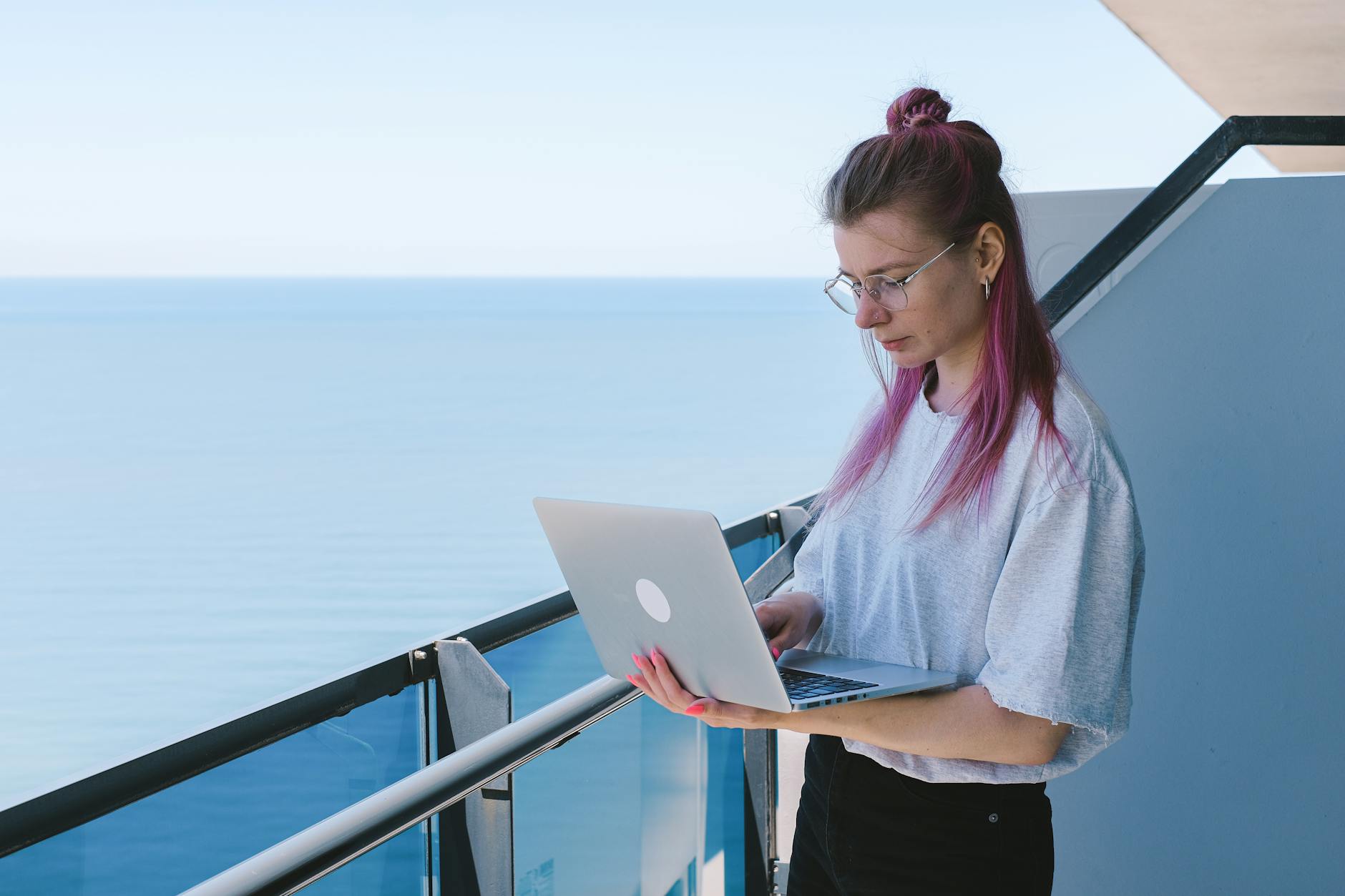
Photo: Anna Shvets · Pexels
Have you ever returned from a project meeting and panicked because you didn't have a proper place to showcase your work? Images posted on blogs or social media aren't enough to build client trust, but hiring an agency for thousands of dollars comes with a heavy price tag and a lengthy timeline. Let's talk about the process of building your own freelance portfolio website in a snap.
The Advantages of Building Your Own Freelance Portfolio Instead of Outsourcing
Outsourcing your website creation takes anywhere from a few weeks to months, from handing over the brief to reviewing drafts and requesting revisions. Every time you want something tweaked, extra fees pile up. On the other hand, using an AI website builder lets you bring your vision to life on screen in minutes. The biggest advantage is that you don't have to wait for an agency every time you need a revision; you can change things immediately whenever you want.
When you first start, simply type in your industry, desired vibe, and contact info in the input field, and a site complete with design, copy, photos, and page layouts is generated instantly. You can choose from styles like cinematic, minimal, tech, and bold to match your tastes, making it a perfect fit for freelancers who need to show off their design sense.

Filling Your Work with Stock Libraries and AI Images
The quality of a portfolio site ultimately comes down to visual assets, but finding high-resolution photos you love takes longer than you might think. In cases like this, you aren't just limited to uploading photos from your computer—you can search an integrated stock photo library or use AI image features to instantly generate and insert the graphics you need.
Here are some tips for preparing images commonly used in the workflow:
- Select and upload high-resolution files for your past project results.
- Generate and place AI images that match the mood for an intuitive main screen.
- Cleanly organize your service introduction and contact pages following the template's guidelines.
- Pick stock images from the photo library that fit your industry to fill empty spaces.
Revising in Real-Time Through Chat with an AI Agent
Often, after looking at the finished screen, you might think, 'I want to make the font a bit bigger here,' or 'I want to change the intro copy.' Even without knowing how to code, you can click the section you want to change on the screen and chat your revision requests, and the AI agent will apply them right away.
Information such as pricing tables, contact details, and available working hours can also be changed with a single chat prompt. If a previous design happens to look better while you're experimenting, you can safely revert to an earlier version using the undo feature, allowing you to experiment without worry.
Attracting Clients Through Search Exposure and Automated Blogging
Building a pretty site means little if visitors don't show up. Search engine optimization must be automatically applied so your site appears near the top when people search on Google or Naver. Additionally, turning on the feature where industry-specific posts are automatically written and published every day helps naturally increase search traffic without you having to manage blog marketing separately.
Traffic gathered this way naturally leads to inquiries and bookings, and you can carefully review exact pricing rates and plan options on the Pricing page to fit the scale of your business.
Put Outsourcing Worries to Rest and Start Right Away
If you have been delaying the creation of your freelance portfolio website due to high costs and long delivery deadlines, handling the AI builder yourself to speed things up is much more efficient. If you want to preview various templates and design examples ahead of time, browsing the Templates page is a great way to gain inspiration. Open up your own stunning workspace-like site today.
FAQ
Do I need any coding knowledge to build a portfolio site?
No, you don't need any coding knowledge at all. You can easily build a site by typing text into input fields on the screen and making revisions just like chatting with an AI agent.
Can I change the design or copy of the created site later?
Yes, even after completion, you can click any section you want and make revisions via chat at any time, or freely change things using the stock photo library and administrator page.
Put it into practice
Describe what you need and your website is ready in minutes, with blog marketing running every day.