E-Commerce Payment Integration: Step-by-Step Guide for Credit Cards, Bank Transfers, and PayPal
Photo: Monstera Production · Pexels
When you start selling products or services online, one of the most critical aspects to review carefully is how you will accept payments and handle settlements. If a customer finds a product they love but the checkout process is inconvenient or lacks their preferred payment method, cart abandonment is likely to occur right before purchase. If you want to cater to both local and international shoppers, offering a diverse array of payment systems is a strategic advantage. Let's walk through the specific sequence of e-commerce payment integration when building a site with ROYJU and adding sales functionality.
Planning Payment Methods and Preparing Merchant Account Registration
Before beginning the actual e-commerce payment integration work, you must determine which payment methods your business truly needs. For domestic transactions, credit card processing, real-time account transfers, virtual accounts, and manual bank deposits are the foundation. If you also expect international traffic, preparing a global payment solution like PayPal is a secure approach. Because each payment gateway has slightly different review periods and required documents, gathering your business license and bank account copy in advance is the fastest way to speed up the process.
Domestic Credit Card and Manual Bank Transfer Setup Steps
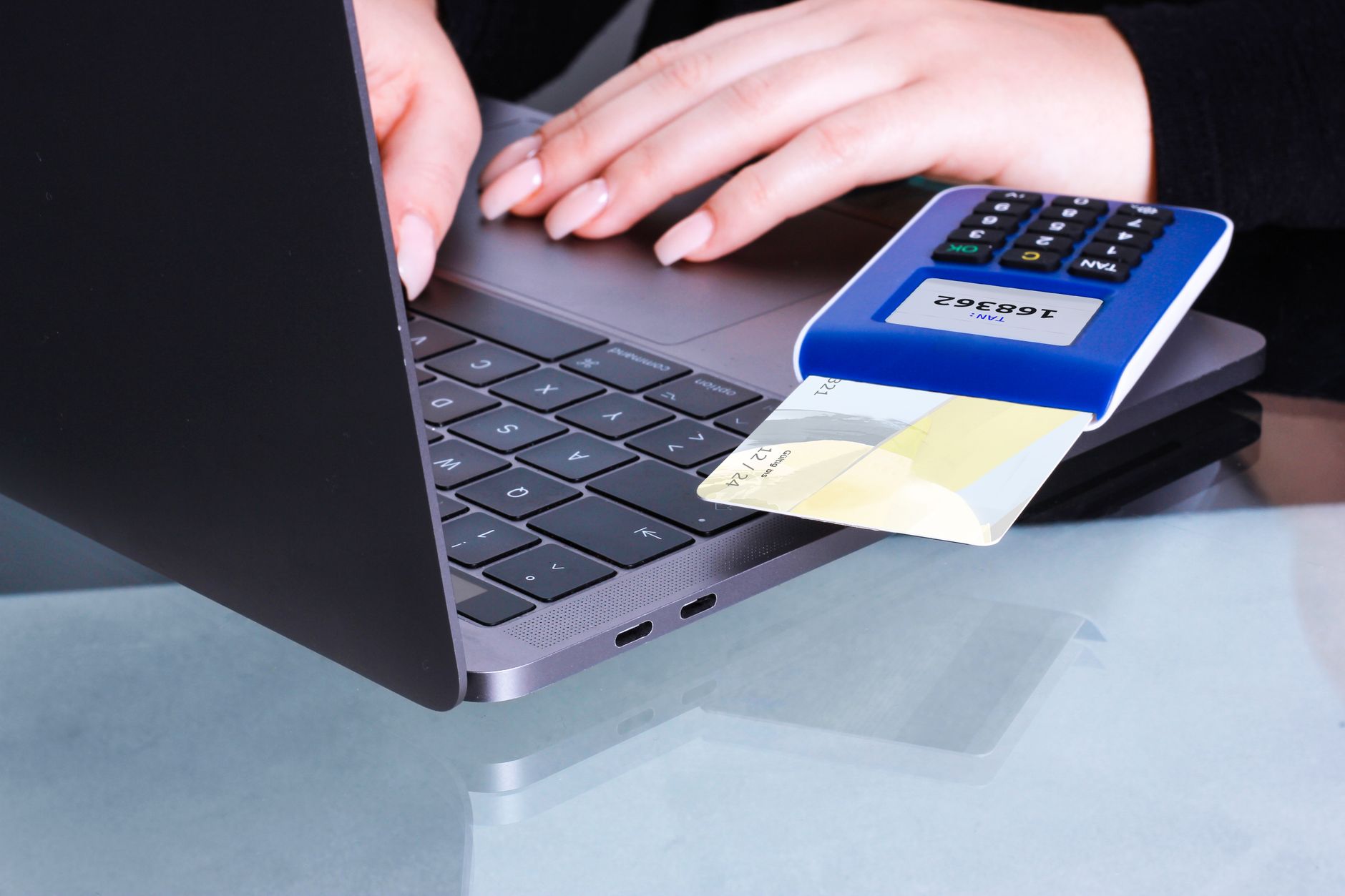
Once the basic skeleton of your site is complete, you connect the actual payment modules within the administrator dashboard. Credit card payments and manual bank transfers for local customers are set up in the following order:
- Navigate to the payment settings menu on the administrator page.
- Enter the merchant ID and integration information issued by your connected PG service, such as PayApp.
- Accurately input the bank account number and account holder name for manual wire transfers.
- Perform a test transaction to verify that no errors occur.
Integrating PayPal for International Customers
To sell products in various currencies like US Dollars, Japanese Yen, or Euros and accept global payments, add PayPal integration. Based on a business account, issue API keys or client IDs and input them into the site administrator settings to complete the connection. Paying attention to detail—such as ensuring that not only the local currency but also the customer's native currency symbol displays naturally—is important. As payment options diversify, the perceived checkout barrier decreases, increasing the probability of actual sales.
Final Inspection Tips to Prevent Payment Errors
Rather than starting operations immediately after finishing the setup, you should use your smartphone or another device to run a small test transaction yourself. Thoroughly check whether the credit card payment window opens smoothly, if manual deposit instruction notifications are sent properly, and if the system transitions correctly to the order completion page after a PayPal payment. In particular, checking that the screen does not freeze or display an error page when pressing the checkout button on mobile is essential.
If you want to learn more about building a payment system that elevates the completeness of your online sales and automating search marketing, check out the detailed building process at AI Website Building or review the necessary features on the Pricing page.
FAQ
Is a business license strictly required for e-commerce payment integration?
To register as an official merchant through a credit card payment gateway (PG), a business license and an account under the representative's name are required. However, in the initial preparation stage, you can also start operations by enabling only the manual bank transfer feature first.
How do I set up PayPal integration for international customers?
You can configure PayPal by connecting your PayPal business account information in the admin payment settings menu and setting the currency units, allowing overseas customers to pay securely in their respective currencies.
Put it into practice
Describe what you need and your website is ready in minutes, with blog marketing running every day.