E-Commerce Payment Gateway Integration: Setting Up Card Payments, Bank Transfers, and PayPal All at Once
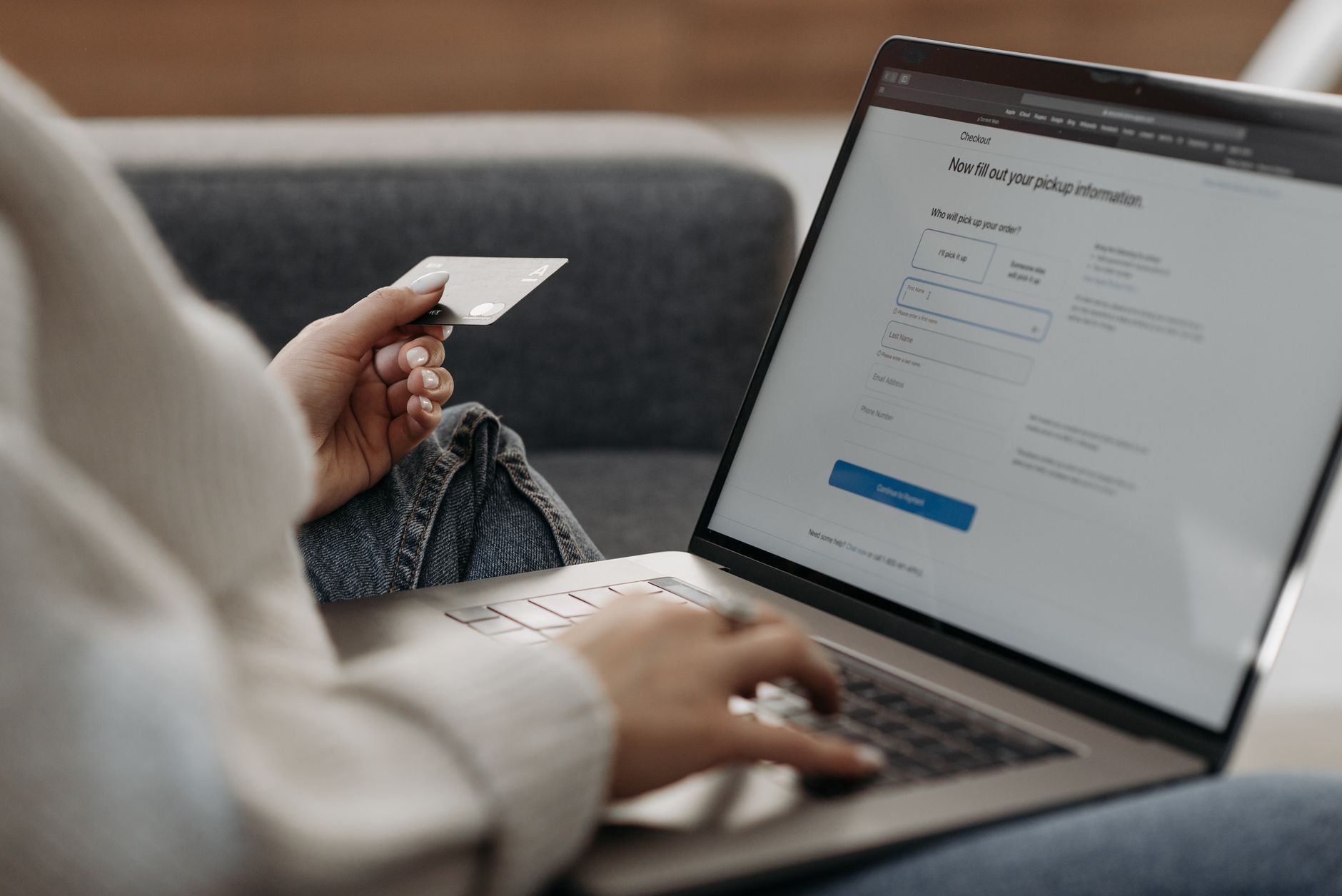
Photo: Pavel Danilyuk · Pexels
When you start selling products or services online, the checkout step is often what customers scrutinize the most. If a customer places an order only to find that their preferred payment method is unavailable or encounters an error, it immediately leads to abandoned carts. To capture both domestic and international customers during e-commerce payment gateway integration, let's walk through the essential items to check based on real-world situations.
1. Setting Up Credit Card Payments and Bank Transfers for Domestic Customers
For a domestic-based online store, credit card processing and bank transfers form the core foundation. Smooth credit card payment functionality ensures that your purchase conversion rates remain stable. When integrating a service like PayApp, you must first verify that your business information and settlement account details match precisely.
- Confirm that the business registration number and mail-order sales report number match
- Conduct a credit card approval test (perform a small live transaction and cancel it)
- Check for typos in the bank transfer account number and account holder name
- Set up admin notifications for cases where the depositor name and order name do not match

2. Setting Up PayPal and Multi-Currency Options for International Customers
If you target global shoppers or expatriates, PayPal integration and multi-currency display are essential. Rather than simply supporting US dollars, you should configure the store to display prices in the visitor's local currency so they can intuitively understand the pricing.
| Payment Method | Primary Target | Key Checkpoints |
|---|---|---|
| PayApp Card Payment | General domestic consumers | Verify that the checkout window displays correctly on mobile devices |
| Bank Transfer | Domestic customers who prefer alternative payment flows | Connect admin notifications to prevent delays in confirming deposits |
| PayPal | Overseas residents and global shoppers | Check currency display units such as KRW, USD, JPY, and EUR |
3. Verifying Automated Order Confirmations and Admin Alerts
Your setup isn't complete just because a payment goes through. You need to personally test whether customers see the proper order completion screen after paying and ensure that order histories flow into the admin dashboard without omissions. It is crucial to verify that text messages or push alerts arrive in real time when an order is placed.
If you want to set up all these payment methods and management systems at once without complex coding, check it out directly via AI Website Building. Detailed information regarding pricing plans and features is available on the Pricing page. Exact costs are provided according to your operational status and conditions, so please reach out whenever you have questions.
FAQ
Is business registration strictly required when integrating an e-commerce payment gateway?
Yes, domestic credit card approval and payment gateway integration require a business registration certificate and industry-specific reporting. Exact document requirements may vary depending on your operational structure.
How can I set up PayPal and currency options together for international customers?
You can link your PayPal account in your website settings and configure the currency display units to automatically switch to Korean Won, US Dollars, or other currencies based on the visitor's country, allowing international customers to make purchases conveniently.
Put it into practice
Describe what you need and your website is ready in minutes, with blog marketing running every day.


