Small Business Website Menu Layout and Booking Management Checklist
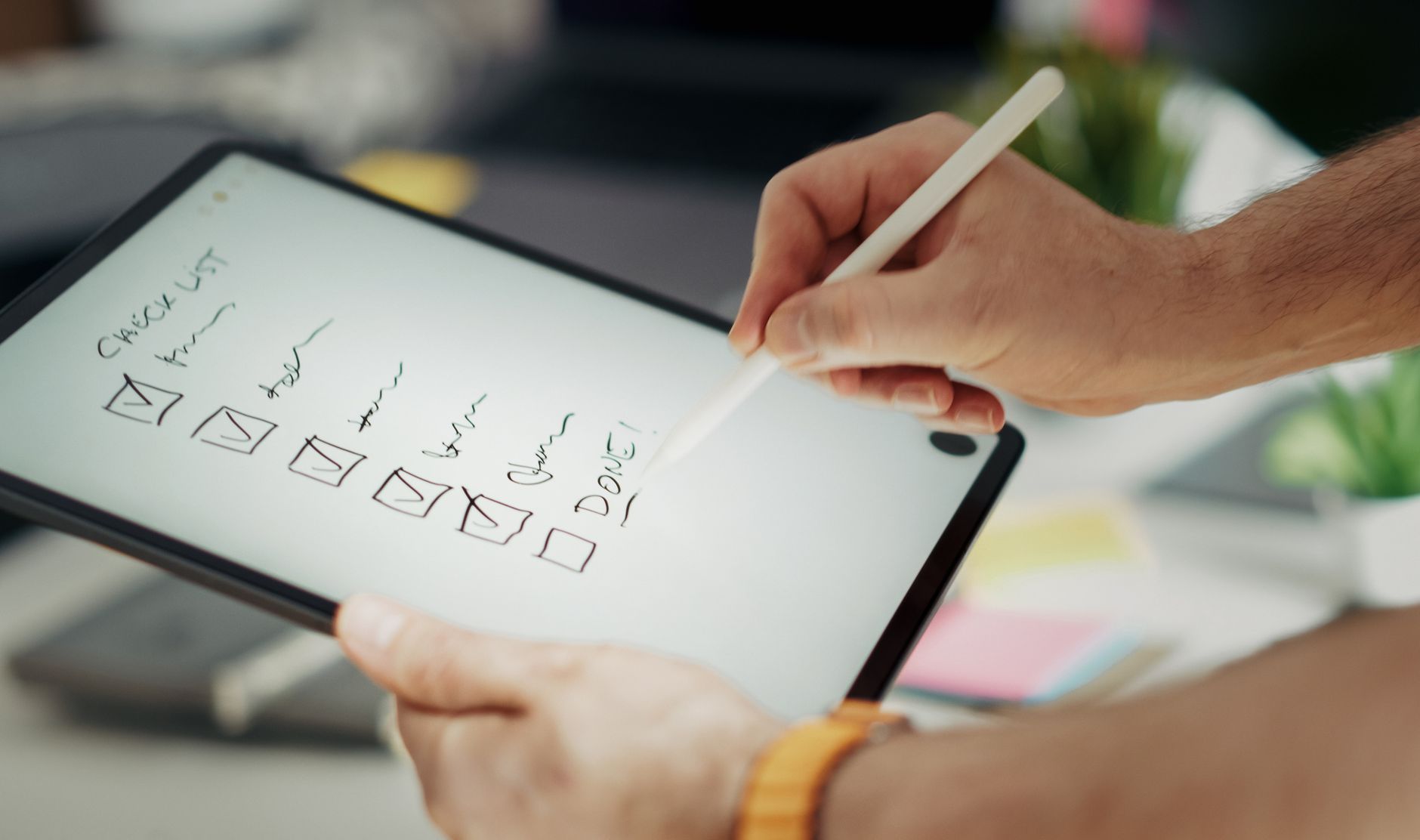
Photo: Jakub Zerdzicki · Pexels
When visitors land on your site through a search engine, you often face a scenario where they leave within three seconds because they cannot find the information they need. To keep hard-earned visitors from bouncing and prompt them to take action immediately, the key is what you display on the landing screen. Today, we will go over the essential menus and booking or inquiry management criteria that small business owners preparing to build a site or already running one must check.
Main Screen and Primary Menu That Captivate Visitors
The top section that visitors see first upon accessing your site must display your brand identity and services at a glance. Rather than cluttering it with too many menus, an intuitive layout is much more advantageous. When using an AI website builder like ROYJU, establishing this basic skeleton well is essential.
- Global Navigation Bar (GNB): Brand logo, service introduction, pricing information, reviews or examples, booking and inquiry buttons
- Hero Section: Copy and core imagery showing what problem your store or brand solves
- Prominent CTA: Fixed 'Book Now' or 'Inquire Now' buttons that can be clicked instantly without scrolling

Detailed Page Elements That Drive Bookings and Inquiries
The next place visitors look after exploring the main screen is specific service details and pricing. If information is unclear here, they will close the tab instead of making an inquiry call or chat. It is best to transparently state the usage process, duration, and price range on your service introduction page.
Particularly if you run a solo business, workshop, or studio, a booking system where customers can pick dates and times directly is vital. Phone calls or text messages easily lead to missed appointments or double-booking mistakes. Make sure that reservations, orders, and inquiry histories gather in one place on your admin page and link with real-time notifications.
Administrator Settings Checklist You Might Easily Miss
Even after building an attractive site, business owners sometimes lose customers during operations. Check the items below sequentially.
| Check Item | What to Verify | Recommended Standard |
|---|---|---|
| Mobile Usability | Confirm that buttons are easily reachable with fingers on smartphones | Adjust text size and spacing |
| Notification Sync | Check if incoming bookings or inquiries can be verified immediately | Complete admin page and notification settings |
| Search Engine Setup | Verify if site verification codes are entered for Naver and Google | Check indexing and search registration status |
| Payment Methods | Support desired customer payment methods such as cards or bank transfers | Confirm integration with PayApp, PayPal, etc. |
Connecting Search Traffic to Real Inquiries
A well-made site is like a salesperson working 24 hours a day. Smooth out the flow so that visitors enter via search, obtain necessary information, and naturally leave a booking or inquiry. If you want to directly edit elements and link automated blog publishing to increase search traffic, you can check out the specific creation process at AI Website Builder. If you are curious about exact features and pricing structures, refer to the Pricing page.
FAQ
What basic menus must be included on a small business website?
Brand introduction, main services and product information, price or rate information, and a booking and inquiry page that can be clicked at any time are fundamental.
How can I check if a booking or inquiry has come in?
You can centrally manage bookings, orders, and inquiry forms on the admin page and track incoming details in real-time through notification features.
How can I ensure the booking button remains visible on mobile screens?
Placing the booking and inquiry buttons in a sticky format at the top or bottom of the screen during smartphone access allows visitors to submit requests instantly without scrolling.
Put it into practice
Describe what you need and your website is ready in minutes, with blog marketing running every day.