How to Enhance Your Website Vibe Using AI Images
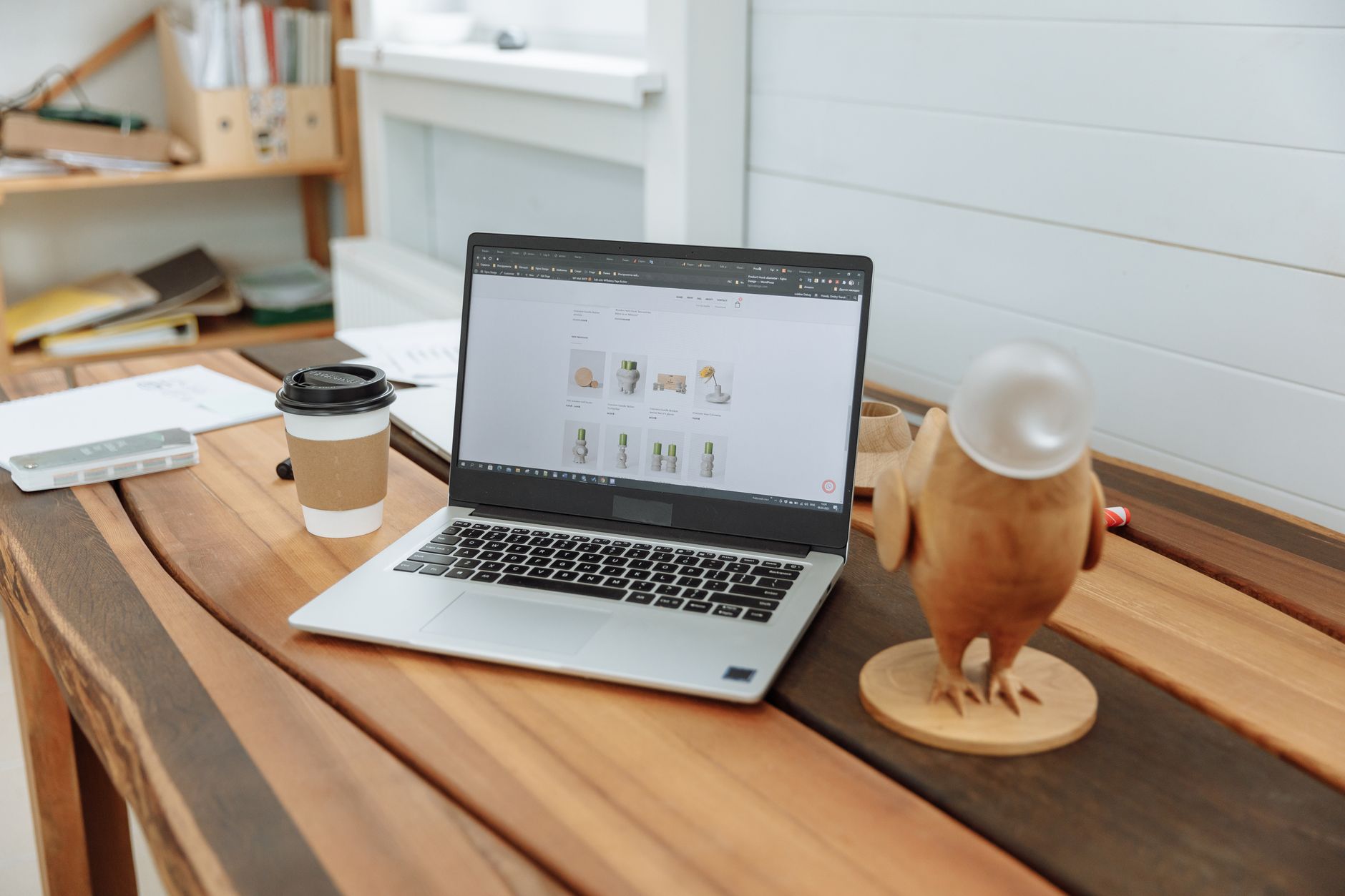
Photo: Thirdman · Pexels
When setting out to build your own website, it is common to hit a roadblock when you lack suitable photos for the landing page. If your own photos have low resolution or do not match your industry vibe, the overall quality tends to look unprofessional. Meanwhile, browsing stock photography sites one by one, checking copyright licenses, and paying fees is tedious and time-consuming.
Quickly Fill Basic Visuals with a Photo Library
Using a website builder equipped with a built-in photo library can significantly ease this burden. You can search for necessary photos directly within the library or select and place visuals that suit your industry. Even without original photography, this helps balance the overall layout and polish your brand's first impression.

Add Brand Emotion Using AI Images
Sometimes, standard stock photos are not enough to fully capture the unique atmosphere of your store or brand. Applying AI image generation tools allows you to instantly create custom visuals tailored to your desired mood. For example, simply typing your preferred style into a prompt—such as a cozy cafe ambiance or a sleek tech company aesthetic—yields images that fit your site concept perfectly.
- Search using keywords that match your core business services.
- Match the tone and manner to your site style, such as cinematic, minimalist, or warm.
- Place photos with appropriate aspect ratios for the main banner and detailed introduction sections.
Finalize Photo Replacements and Edits with Agent Chat
Once you find or generate the desired image, you can apply it directly through the management interface or via chat. If the layout shifts or fails to blend with the overall mood after swapping images, you can ask the AI agent via chat to adjust the size or placement. You can achieve professional visual polish through a few conversational prompts without manually editing code.
If preparing photos has delayed your website creation, boost your site's quality using integrated photo libraries and AI image tools. Combining a solid structure optimized for Google Search with emotional visuals will capture visitor attention and drive natural inquiries.
If you want to build a sensational site even without original photos, check out the detailed creation process at AI Website Building.
FAQ
Can I build a website without high-resolution original photos?
Yes, you can instantly fill your site with appropriate visuals using built-in photo library searches or AI image generation tools tailored to your industry.
How do I edit generated or selected images on the site?
You can replace photos in the admin library or request adjustments in desired positions through a chat with the AI agent directly from the completed screen.
Put it into practice
Describe what you need and your website is ready in minutes, with blog marketing running every day.


