Dog Grooming Website Design: How to Arrange Pricing and Booking Info
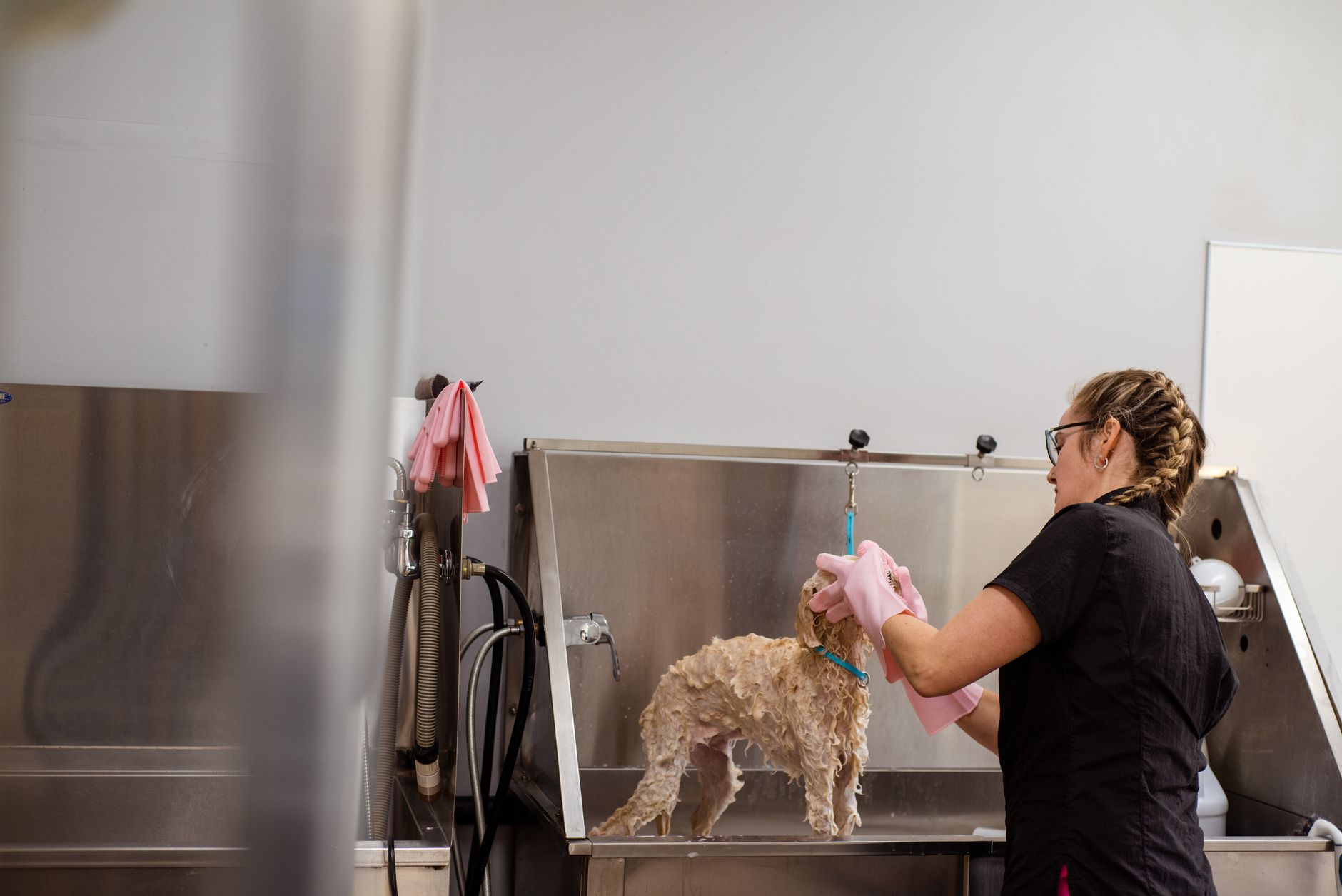
Photo: Goochie Poochie Grooming · Pexels
"My dog's coat is matted, how much extra will that be?" "Do you have any open slots this coming Saturday?" If you run a pet grooming salon, you probably answer these exact questions over the phone multiple times a day. From a client's perspective, they want quick answers, but standard social media pages or blog posts rarely make real-time pricing and open slots clear at a glance. This is why many owners consider building a dedicated dog grooming website, though dealing with coding or coordinating with external agencies amidst a busy schedule is rarely simple.
Based on experience building and managing sites across various industries, the single most important element for a pet grooming site is an intuitive layout that addresses client questions the moment they land on the page. Today, let's explore how to set up an intuitive layout that helps reduce repetitive phone inquiries.
Placing Core Information Front and Center to Grab Attention
When a client arrives at your site through Google, the hero section (the top of the main page) is where they decide whether to stay within three seconds. It is best to place clean photos showcasing your salon's overall vibe alongside a prominent button that leads directly to booking.
Here are the essential components that must be included in the hero section when designing a dog grooming website. Keeping the core details visible without requiring excessive scrolling helps reduce bounce rates.
- High-resolution gallery photos showing your signature grooming styles
- A quick link to a pricing table broken down by dog breed
- A button for checking real-time openings and simple booking inquiries
- A summary of your location, parking details, and business hours

Keep Your Pricing Table Transparent and Clear
Grooming prices are usually the number one detail pet parents look for, yet they are often the hardest to find. Leaving prices as "call for details" tends to make clients hesitant, causing them to leave for a competitor. It is much wiser to organize additional cost criteria—such as weight ranges, breeds, matting severity, and specialty cuts—into an easy-to-read table format.
Using an AI website builder like ROYJU allows you to generate a basic layout with a single prompt, making it simple to neatly organize elements like price lists and service menus into tables. If you need to slightly adjust your rates or introduce a new package, you can simply type a request to the AI agent on the completed site screen, such as "increase the small dog basic grooming price in the table by $3," and it applies instantly.
| Grooming Type | Small Dog (~11 lbs) | Medium Dog (11–22 lbs) | Notes |
|---|---|---|---|
| Bath + Partial Trim | From $35 | From $50 | Extra charges apply for coat volume and matting |
| Full Scissor Cut | From $70 | From $100 | Determined after styling consultation |
| Spa & Care | $20 | $30 | Moisturizing and skin soothing |
Connecting Bookings and Inquiries to a Single Button
After checking the price list, the next thing clients look for is undoubtedly booking. Because phone calls are difficult to answer while you are actively grooming a dog, and after-hours visitors might otherwise miss their chance, integrating an online inquiry form or booking management system is a significant advantage.
Setting up an appointment request form on your site lets clients leave their preferred date, dog breed, and contact info, allowing you to receive notifications in your admin dashboard and coordinate your schedule at a glance. Furthermore, if your finished site is optimized for Google Search Console with a solid baseline structure, local clients searching for a groomer will organically discover your site and convert into actual bookings.
Smart Operations Through Direct Creation and Real-Time Edits
Hiring an outside agency often means waiting a week just to change a single sentence, alongside recurring service charges. However, building a site yourself via a website builder lets you modify any section you dislike whenever you want.
When running a pet salon, having the environment to immediately reflect seasonal events or updated notices is vital. If you are curious about exact build costs or plan configurations, you are welcome to browse the pricing details page first.
If you want to build a polished, professional site yourself without complicated configurations, you can start building your AI website right now.
FAQ
Do I need coding or design skills to build a dog grooming website?
Not at all. By entering your industry type and desired style, the AI automatically configures the homepage design and menu structure. If you need edits, you can simply type your request in a chat on the screen to change things instantly.
Is it difficult to update grooming prices or business hours later?
Not at all. Simply click the section you want to modify on the completed site screen and request the change via chat for immediate updates. A version rollback feature is also available, making management easy for anyone.
Put it into practice
Describe what you need and your website is ready in minutes, with blog marketing running every day.


