Stop Overthinking Website Images: AI Photo Libraries and Style Selection
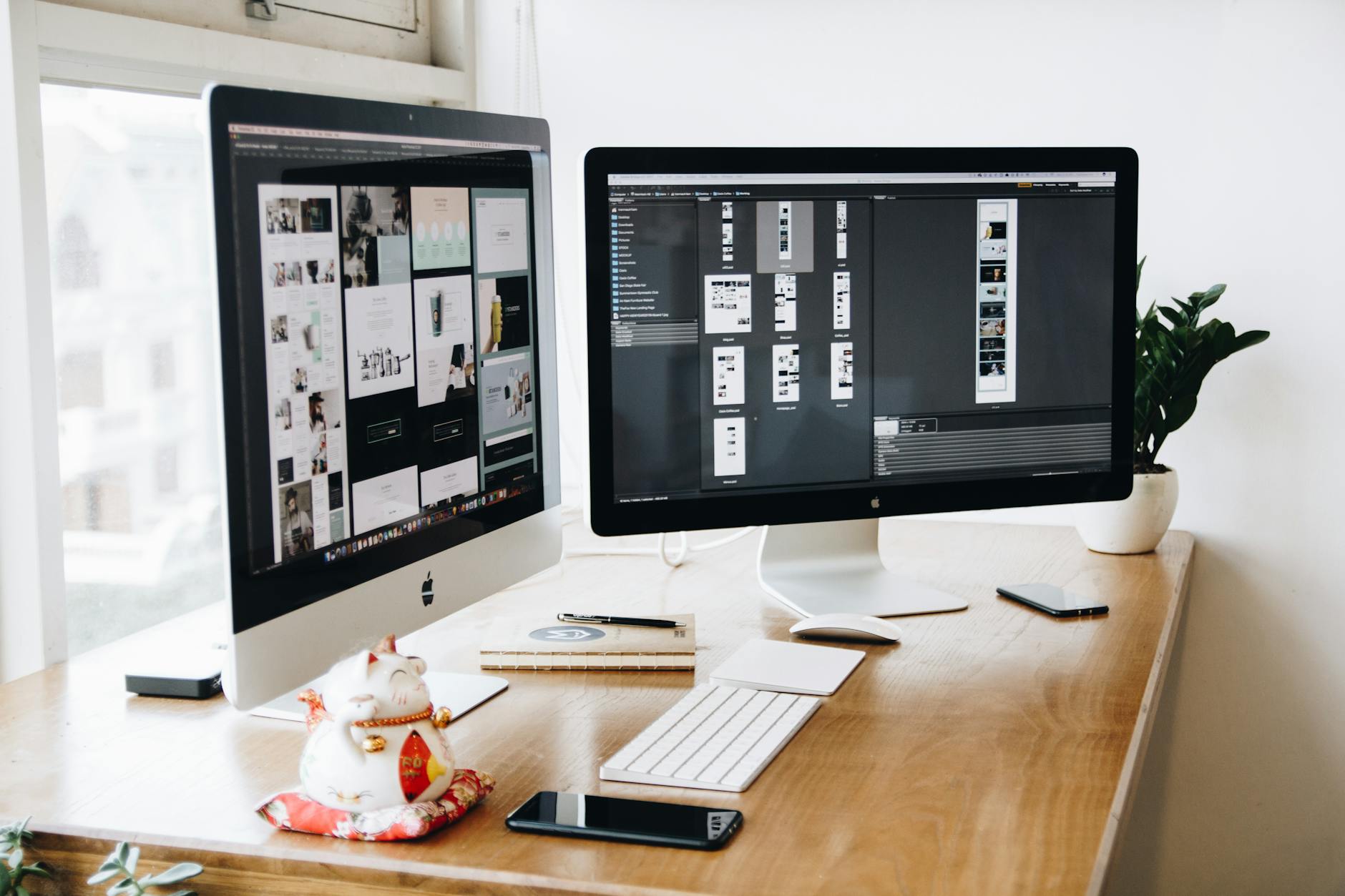
Photo: Tranmautritam · Pexels
When building a website, one of the most time-consuming tasks is choosing the right website images. Wandering through countless image stock sites just to find a photo you actually like can easily waste an entire day. It is a crucial element that shapes the first impression of your business, yet figuring out which criteria to apply often feels overwhelming.
Criteria for Choosing a Design Style That Fits Your Business
When using an AI website builder like ROYJU, you begin by entering your business type and desired mood into the initial input field. At this stage, you can select styles such as cinematic, minimalist, editorial, warm, bold, luxury, or tech. Matching this style to your industry and the message you want to convey ensures that your website images and overall layout harmonize seamlessly.
- Minimal & Tech: Ideal for IT services or design studios looking for a clean, orderly aesthetic.
- Warm & Editorial: Suited for places where emotional connection matters, such as cafes, craft workshops, or handmade goods classes. Cozy color palettes and calm fonts are key.
- Cinematic & Luxury: Best chosen when you want a heavy, highly immersive atmosphere for high-end fitness centers, beauty shops, or professional consulting.
Leveraging AI Photo Libraries to Solve Website Image Challenges
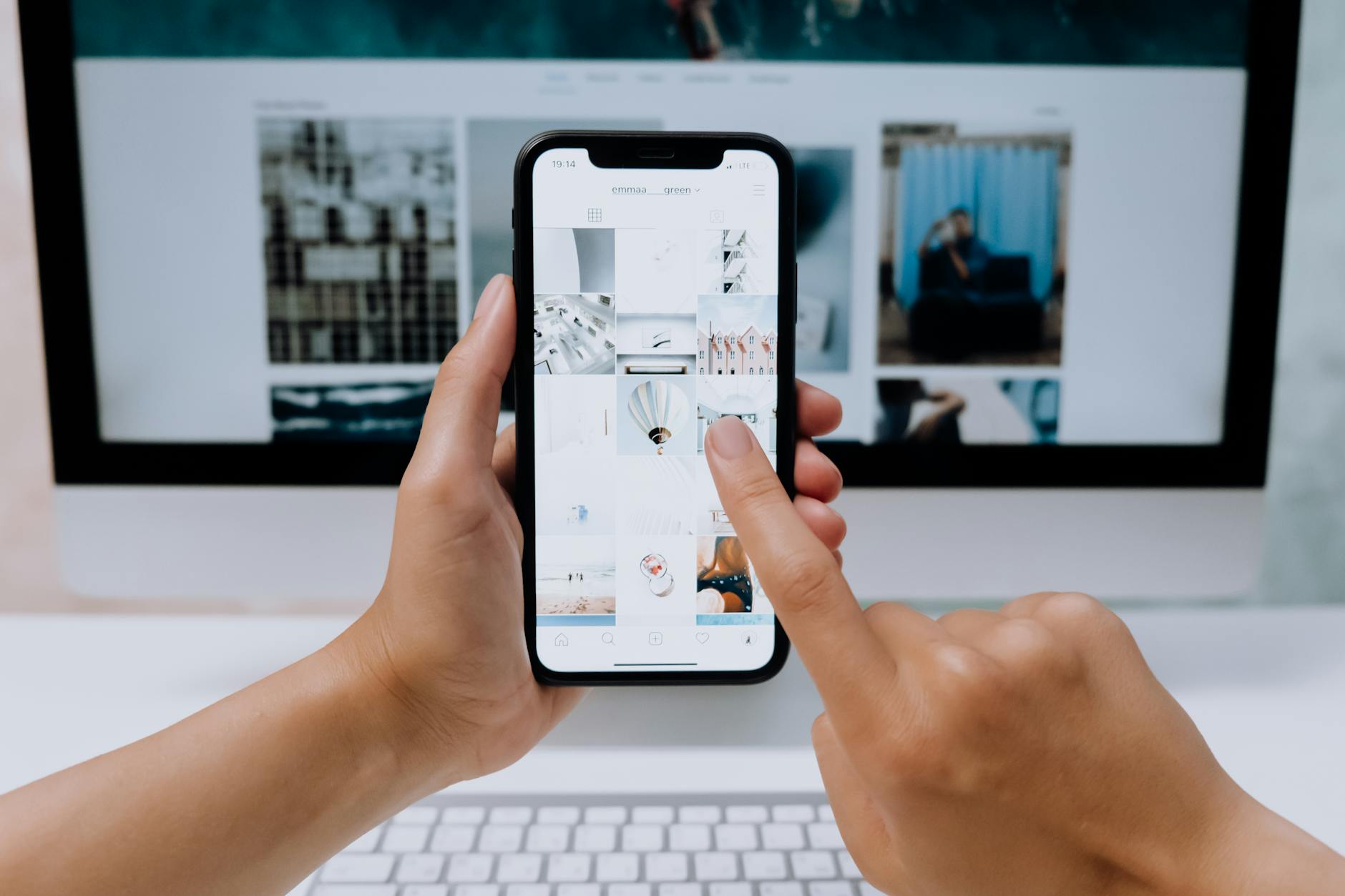
When you do not yet have enough original photos or need additional assets, utilizing the admin photo and video library can easily ease your burden. You can search for photos directly or instantly pull up necessary visual materials through AI image features. This spares you from the tedious process of downloading files from external sources, reducing file sizes, and uploading them manually.
Common Mistakes and Tips When Positioning Photos
Randomly mixing overly flashy or mismatched website images makes it difficult for visitors to know where to look. It is best to place a single signature cut that showcases the overall brand tone at the top of the main screen, followed by organized secondary photos in the detailed introduction sections. If you dislike the results after changing an image, you can instantly modify it via chat in the admin interface or revert to a previous version with minimal hassle.
| Style Name | Recommended Industries | Main Atmosphere |
|---|---|---|
| Minimal | IT, Freelance, Consulting | Organized, Professional, Clean |
| Warm | Cafes, Workshops, Bakeries | Cozy, Friendly, Emotional |
| Cinematic | Fitness, Studios, Beauty | Immersive, Luxurious, Striking |
Once you align your website images consistently, visitors naturally tend to stay longer. Integrating automatically published search marketing content on top of this creates a smooth funnel that naturally converts visiting users into inquiries and reservations.
If you want to build a high-completion site by applying styles and photos tailored to your business, get started directly at AI Website Building. If you are curious about pricing plans or specific features, please check the Pricing page.
FAQ
Can I replace all website images with photos I shot myself?
You can upload your own photo files directly to the admin photo and video library and freely replace them in any section you want.
Can I change the chosen design style or images later?
You can request changes from the agent via chat on your completed site screen or update the mood and photos at any time through the admin page.
Put it into practice
Describe what you need and your website is ready in minutes, with blog marketing running every day.


