Streamline Café Menu Display and Booking Inquiries with Small Business Website Design

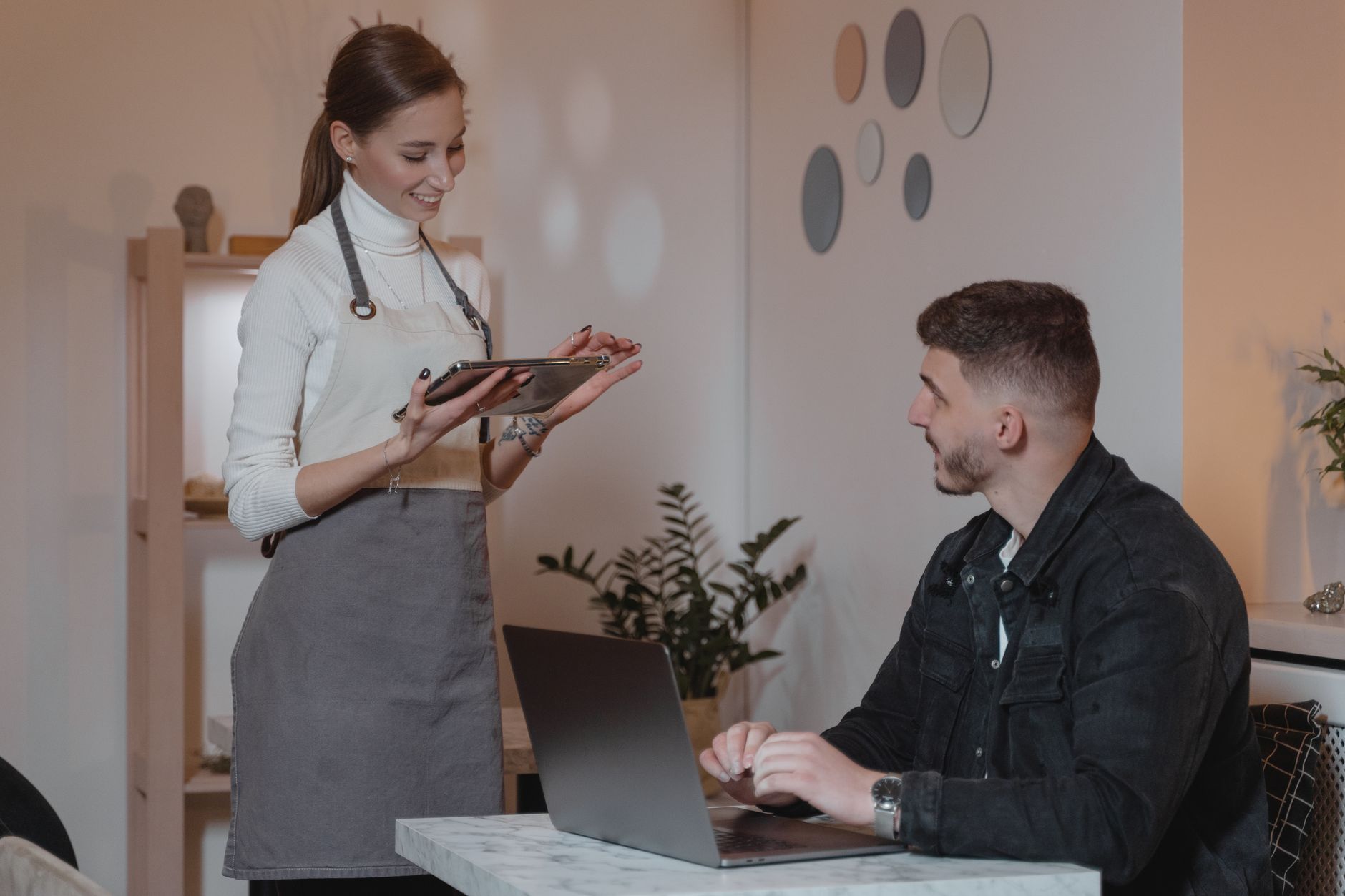
Photo: Namzy · Pexels
It is common to see customers staring at menus for a long time or searching engines to book group gatherings. When running a physical store, the information visitors look for first always boils down to today's menu and availability. This is why information placement matters far more than flashy design when planning small business website design.
Catching Attention Above the Fold with Main Banners and Core Menus
As soon as visitors land on your site, signature items, pricing, and booking buttons should be visible without scrolling to lower bounce rates. Using an AI website builder like ROYJU, you can enter your industry and desired vibe into the input prompt to generate a layout with essential visitor elements in minutes. To prevent visitors from digging through multiple pages, place representative menu photos and descriptions right below the hero section.
Intuitive Section Order to Lower Booking and Inquiry Barriers
The user flow should guide visitors naturally from viewing items they like to making a reservation or inquiry. Forcing them through complicated membership registration processes will often cause them to close the tab.
- Section 1: Cinematic or minimalist hero photos showing the store atmosphere
- Section 2: Previews of signature drinks and dessert items
- Section 3: Operating hours, directions, and parking details
- Section 4: A simplified booking and inquiry form to select dates and party sizes
Mobile-Optimized Payments and Reservation Management
Today, the vast majority of users search on smartphones and make bookings right on the spot. Focusing solely on desktop views means missing out on actual foot traffic. From the completed site interface, you can chat with an AI agent to enhance mobile readability or rearrange menu orders, allowing owners to manage everything in real time without any coding knowledge. Integrating payment gateways like PayApp or PayPal also ensures smooth processing for prepaid classes or group reservations.
| Category | Traditional Method | Efficient Layout Setup |
|---|---|---|
| Menu Check | Navigating multiple menu pages | Immediate viewing via initial scroll |
| Booking Request | Phone calls or separate messages | Direct date and party size input at page bottom |
| Maintenance | Waiting for outsourced agency edits | Instant updates via AI agent chat |
Driving Search Traffic and Building a Regular Customer Base with Automated Marketing
Simply launching a website is not enough to bring in visitors; your business must appear frequently in Google Search results. By utilizing built-in features that automatically generate and publish industry-relevant posts daily after your site is complete, local residents and prospective customers can discover your store naturally through search engines. Check the Pricing page for detailed operational plans, and preview layouts across various industries on the Examples page.
If you are too busy running your store to manage technical details, let AI handle the heavy lifting so you can focus entirely on your guests. Take your first step with AI Website Builder.
FAQ
Is it difficult to update café menus or prices when they change?
You can simply tap the menu or price section on the completed site interface and tell the AI agent what to change through chat for instant updates. A version rollback feature is also available so you can make edits securely.
Where can I check incoming bookings and inquiries?
You can view and receive notifications for all reservations, orders, inquiries, and application forms from the dashboard. Management is also fully supported on smartphones.
How does automated blog marketing improve search visibility?
Articles tailored to your industry's search keywords are automatically generated and published daily to increase search traffic on Google. Publishing schedules and keywords can be configured directly in the dashboard.
Put it into practice
Describe what you need and your website is ready in minutes, with blog marketing running every day.


