How to Solve Your Website Image Struggles with an AI Website Builder
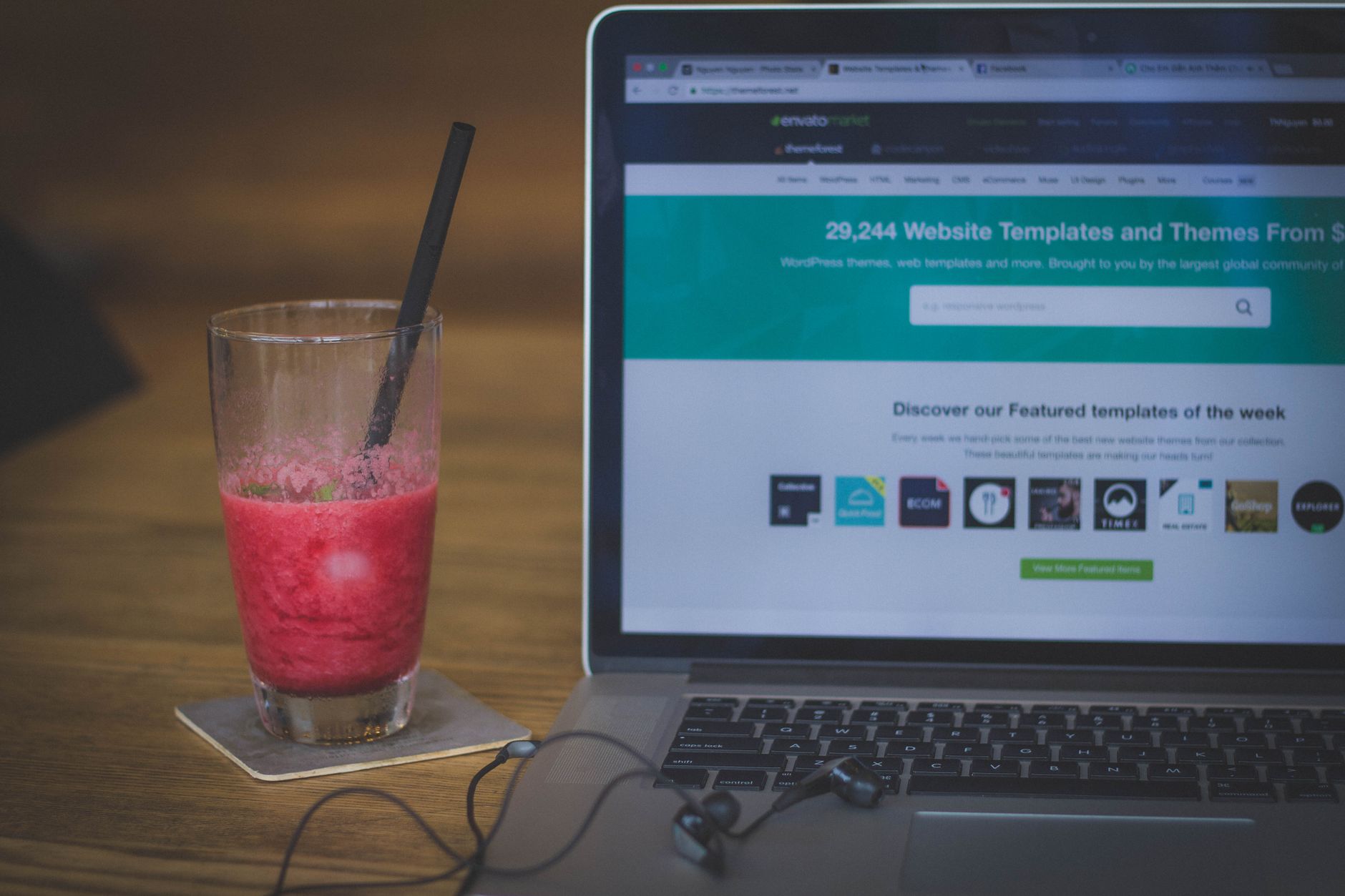
Photo: Pew Nguyen · Pexels
When you build a website yourself, you often spend more time picking photos than writing copy. Photos taken with a smartphone often lack resolution, while images found through search engines rarely match your business atmosphere, leaving you stuck. Outsourcing, on the other hand, comes with heavy expenses and delayed timelines.
The Realistic Struggles of Finding the Right Photos
The first major hurdle when building your own site is gathering visual assets. If you have clear tangible results to show, like cafe menu items or craft workshop products, it is easier. However, if your business deals with intangible value like consulting or freelance services, picking even a single photo becomes a major task. Using random photos can actually diminish your site's credibility.
- Low-resolution photos that blur on desktop monitors
- Artificial stock shots that completely clash with your industry's vibe
- Endless searching driven by worries over copyright issues
Using an AI website builder can solve your image dilemmas in just a few minutes. The software understands the mood fitting for your industry and automatically fills in appropriate visual assets.

Making the Most of an AI Website Builder's Photo Library
Using tools like ROYJU gives you built-in access to industry-specific photo libraries and AI image generation features. You no longer need to hunt down pictures for your main hero section or introduction area.
| Feature | How to Use | Expected Effect |
|---|---|---|
| Photo Library Search | Input desired keywords to instantly apply high-definition stock images | Saves time and creates unified visuals |
| AI Image Generation | Describe the scene you need to create one-of-a-kind photos | Produces original moods that highlight brand identity |
| Direct Upload & Editing | Upload actual store or project photos and place them to fit sections | Secures both realism and credibility simultaneously |
The Details That Transform Site Mood with a Single Photo
The most important part of selecting photos is harmony with the overall style. You need to maintain tone and manner matching the site's atmosphere, whether cinematic or minimalist. If your site features a dark, luxurious style, you should use heavy, upscale images rather than bright, cheerful ones to avoid awkwardness. After choosing a photo, you can ask the AI agent via chat to make minor adjustments, quickly straightening out sizes or brightness.
Securing Search Visibility After Finishing Image Selection
Once you have polished your site's visuals, it is time to bring in visitors. Sites with well-balanced photos and copy tend to keep visitors on the page longer, which positively impacts Google Search Console performance and search rankings. Setting up your self-built homepage to automatically publish blog posts every day will naturally increase search traffic over time.
If you have been postponing website creation because you were tired of picking photos, try entering your initial concept lightly at AI Website Building. You will encounter results far more complete than expected. If you are curious about specific pricing structures or plan differences, check out the Pricing Page. Feel welcome to look around whenever you have questions about running your site.
FAQ
Can I build a website even if I don't have my own photos?
Yes, you can build a stunning site by utilizing industry-appropriate high-resolution photo library searches and AI image generation features.
How do I fix the design if it looks awkward after changing an image?
You can click on the section you want to modify on your finished site screen and make requests via chat to immediately adjust size, placement, or color tones, with options to revert to previous versions.
Put it into practice
Describe what you need and your website is ready in minutes, with blog marketing running every day.


