E-Commerce Payment Gateway Integration: Setting Up Credit Cards, Bank Transfers, and PayPal
Photo: Julio Lopez · Pexels
When a customer adds items to their cart only to hit a roadblock at checkout, they usually abandon their purchase entirely. This is why setting up an e-commerce payment gateway is one of the most critical tasks for any new online business. You need to properly configure local credit card processing, direct bank deposits, and global payment options to turn website visitors into actual buyers.
Setting Up Credit Card Processing for Local Customers
Your first priority should be integrating the most widely used credit card payment methods. This requires partnering with a payment gateway provider and obtaining your API keys. Typically, you can apply for this once your business registration and online vendor permits are fully processed.
Once you access your store's admin panel, you will find a dedicated payment settings menu. You must enter the API keys and integration details provided by your gateway accurately so that the payment window pops up without errors. Always run a test transaction in test mode first to verify that authorizations process correctly.
Configuring Bank Transfer Options for Cash Transactions
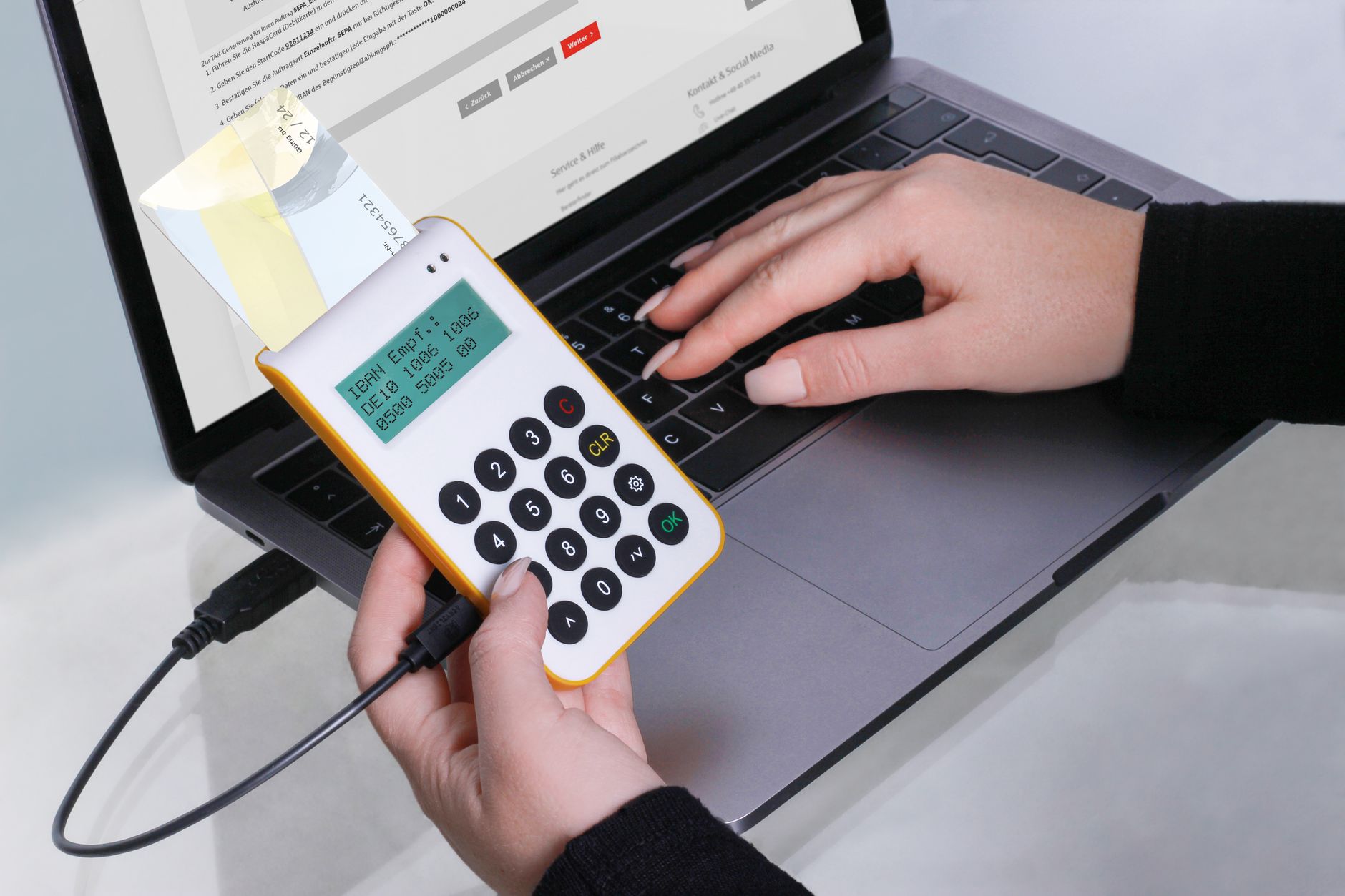
To accommodate customers who prefer direct bank deposits or want to avoid credit card processing fees, you should set up manual bank transfer information. Bank transfers are relatively straightforward to configure during the e-commerce payment integration process.
- Accurately input the bank name, account number, and account holder name.
- Set a payment deadline after order completion to determine when unfulfilled orders automatically cancel.
- Link your admin dashboard to handle deposit verification either manually or automatically.
It is best to include a mandatory memo field in case the depositor's name does not match the order name. To reduce the hassle of manually cross-referencing deposit logs, utilizing a system with deposit notification alerts is a smart choice.
Adding PayPal and Global Payment Options for International Buyers
If your website attracts international visitors or expats, you should enable PayPal and global credit card processing methods. Utilizing features that automatically display prices in USD, JPY, or other currencies based on the user's location makes shopping much easier since customers do not have to calculate exchange rates manually.
| Payment Method | Primary Target | Key Verification Points |
|---|---|---|
| Credit Card (PayApp, etc.) | General Customers | Gateway API keys, test authorization approval |
| Bank Transfer | Cash-Preferring Customers | Payment deadline settings, clear account holder name |
| PayPal | International Customers | Foreign currency display units, account integration status |
Essential Practical Checklist After Payment Integration
Before launching your marketing campaigns, it is safest to walk through the entire checkout process yourself on both a smartphone and a PC. Place a test order to confirm that credit card transactions and bank transfer requests register properly in your admin dashboard.
If you encounter any issues and need immediate troubleshooting, you can check your setup status via chat using ROYJU's AI Website Building features, or review the Pricing page to find a plan that fits your business scale. Once you finish your initial e-commerce payment integration, make it a habit to regularly test your site to ensure it functions reliably for your customers.
FAQ
Is a business registration required to set up payment gateway integration?
Yes, integrating with local credit card payment gateways generally requires a business registration certificate and online vendor permit to pass security reviews and use official services.
Do I need other options besides PayPal to accept international customers?
While PayPal is the most widely used global standard, preferred payment methods vary by region. It is advantageous to set up multi-currency display features like US Dollars or Euros tailored to your target audience.
Put it into practice
Describe what you need and your website is ready in minutes, with blog marketing running every day.


